Light and colour
Exposure, contrast, highlights and shadows, a tone curve, an 8-band HSL mixer, colour-grading wheels, black and white — and an Auto that exposes for the car.
 RideLens
Car edits, without the learning curve.
An iPhone photo editor made for cars. Proper light and colour tools, masks that already know where the car is, and posters and stickers that sit behind it — because I kept seeing incredible car edits, and I can’t edit to save my life.
01Why it exists
My feed is full of car photos that look like magazine covers. Mine looked like car photos. The people who make those edits use Lightroom — a subscription, and a tool built for people who already know what a “luminance range mask” is.
I don’t want a general editor. I want one that knows the car is the point: where it is, what colour it is, which part is the sky, where the plate is.
RideLens grew out of the photo studio I built inside RideCheck, where every trip becomes a card for Stories. I split it into its own app so it could become a real editor, not a feature.
The first spark came much earlier, with a tiny Python filter app — the day I realised a photo is just numbers, and numbers are something I can change.
02Before / after
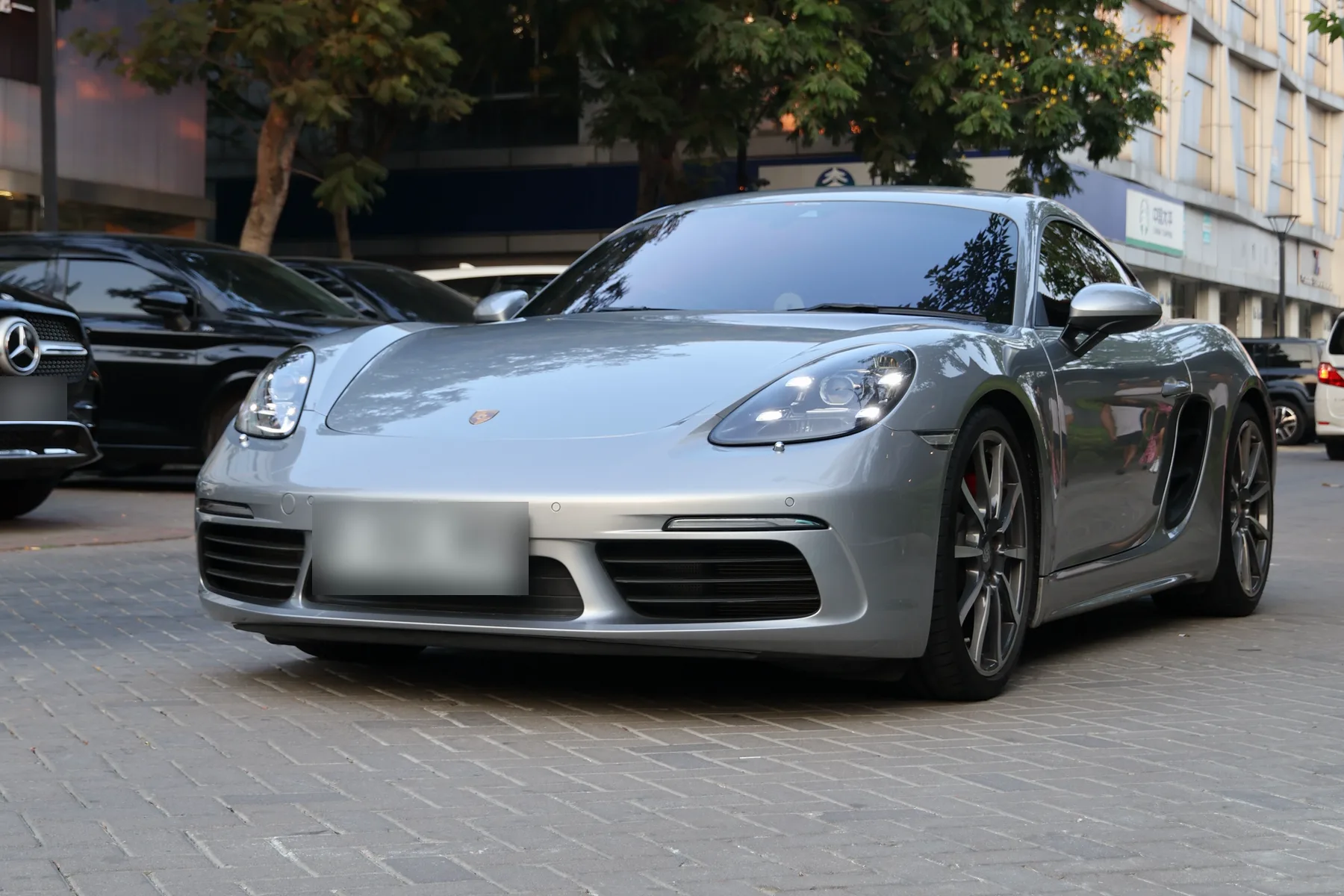
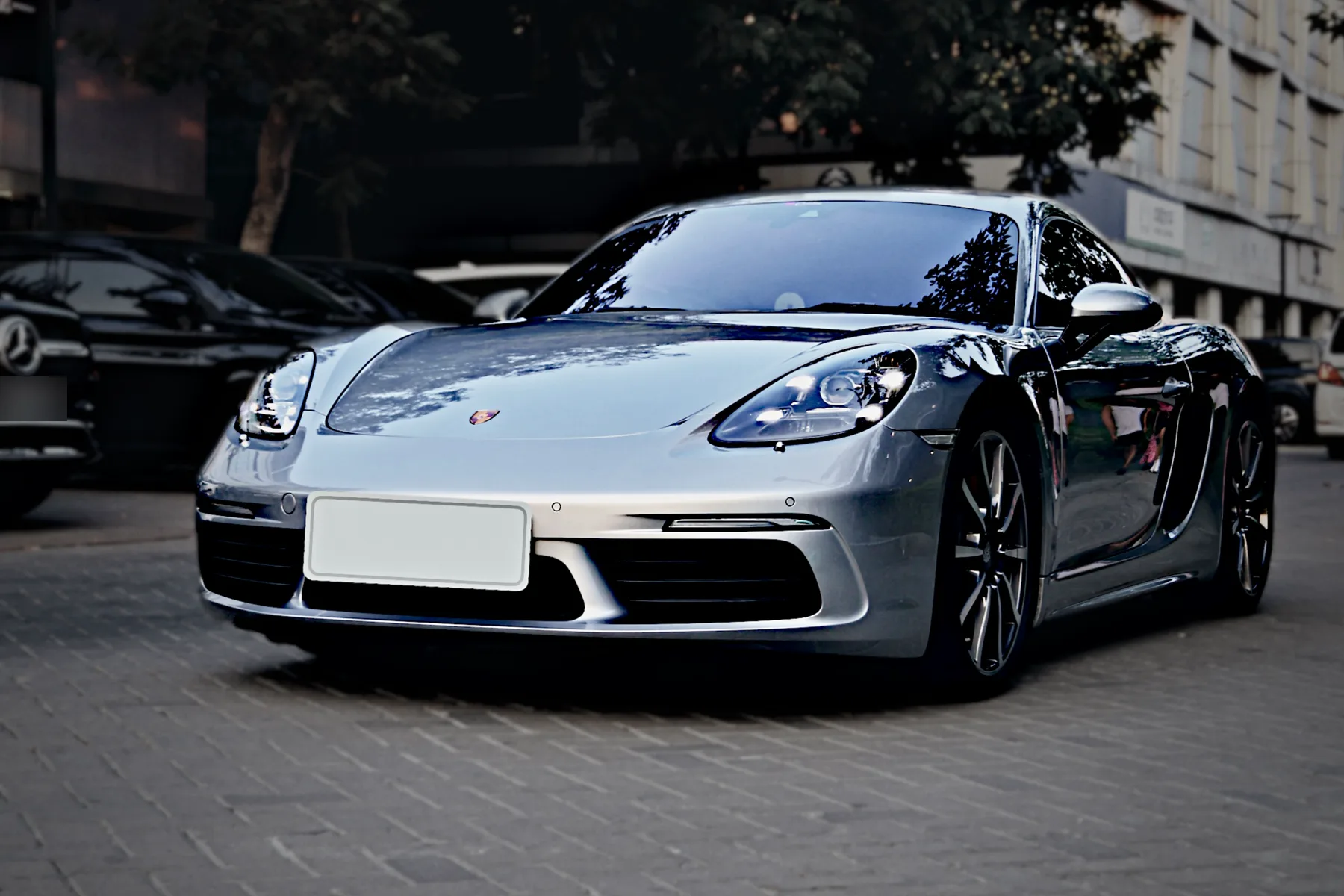
My own photos, before and after an edit in RideLens: the scene pulled down, the car brought forward with its reflections intact, and the plate covered on the phone. Drag to compare.
03Posters
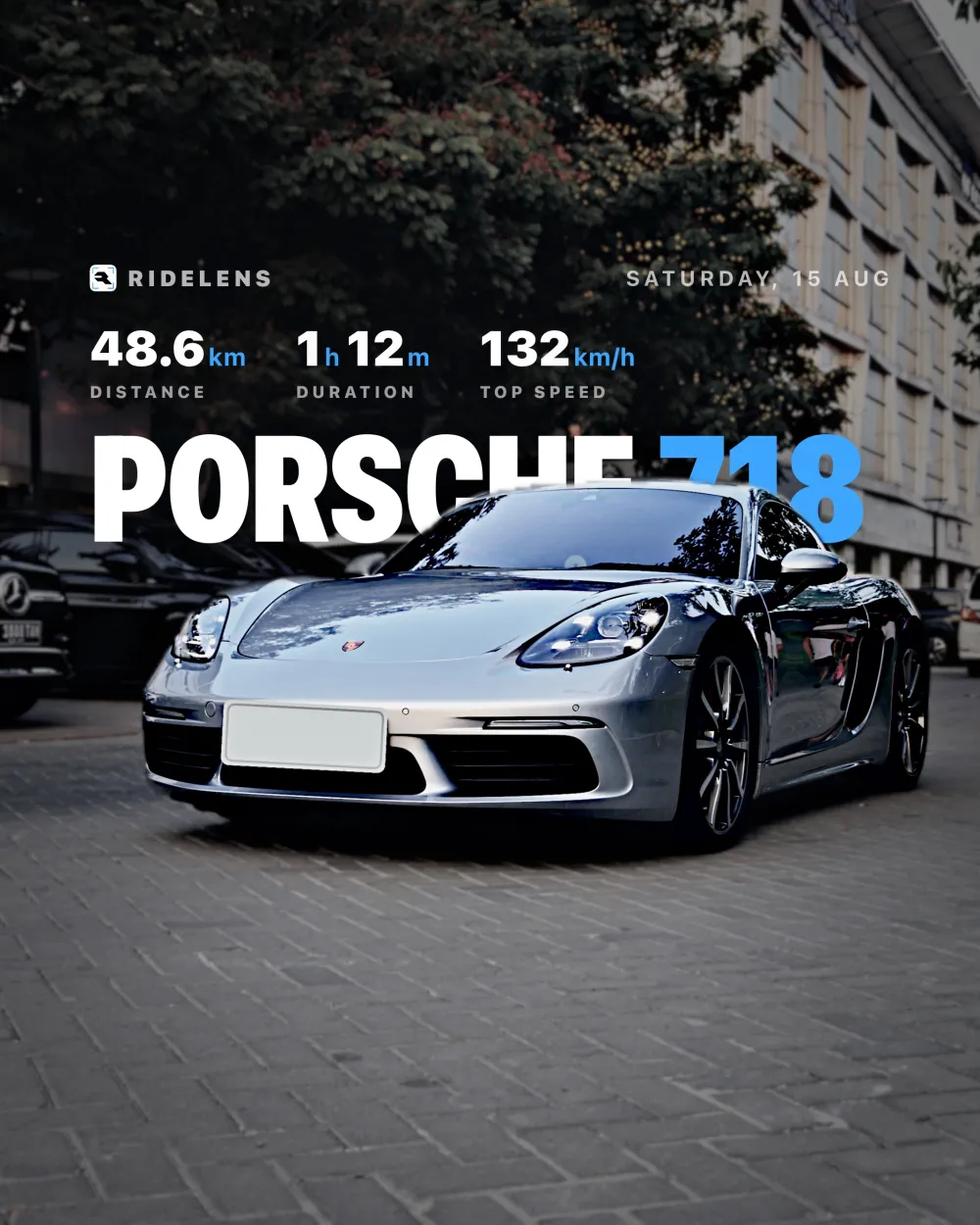
Every poster is drawn in code, so it fills itself in: the car, the drive, the distance and top speed. Because the car is lifted onto its own layer, the headline can sit between the car and the background — the look the edits I admired all had.
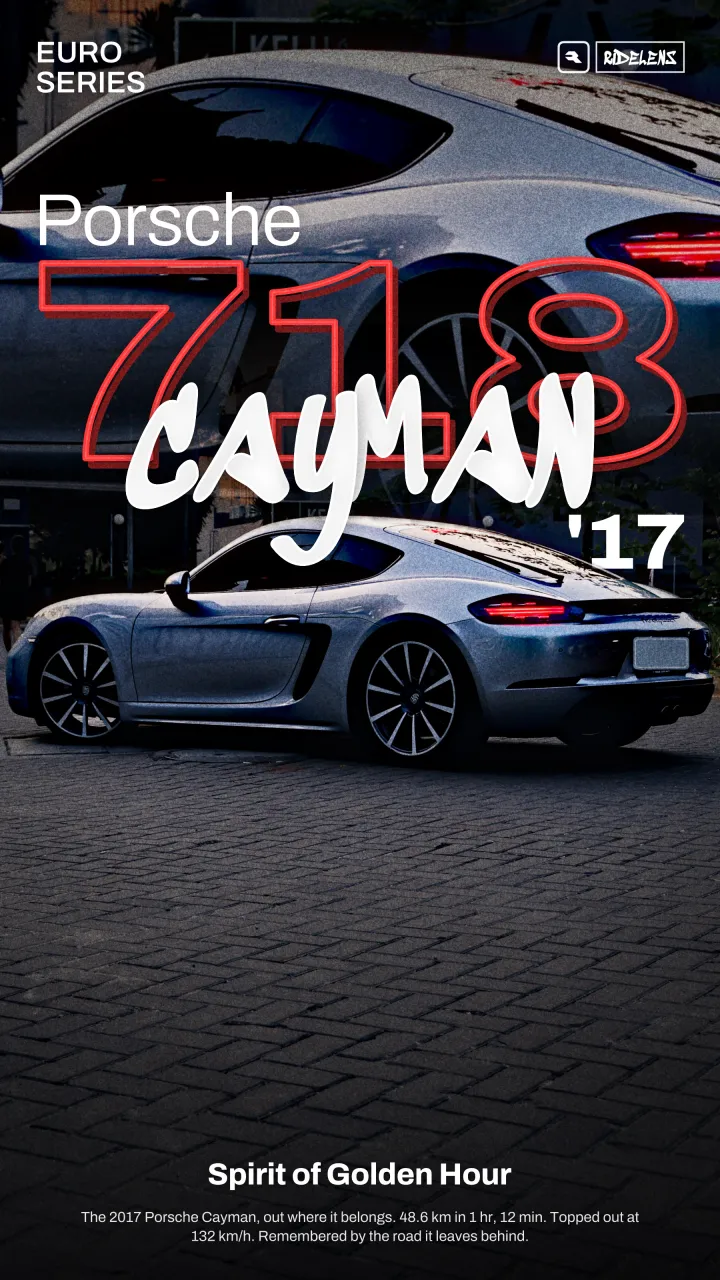
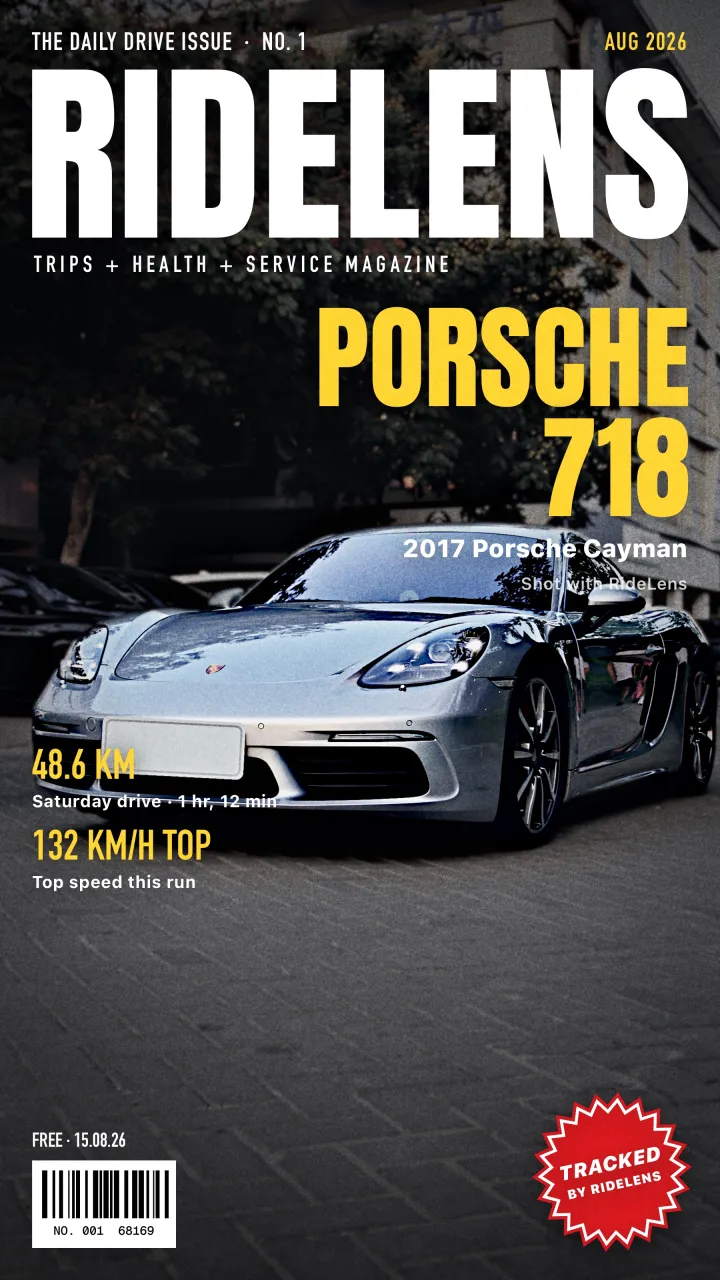
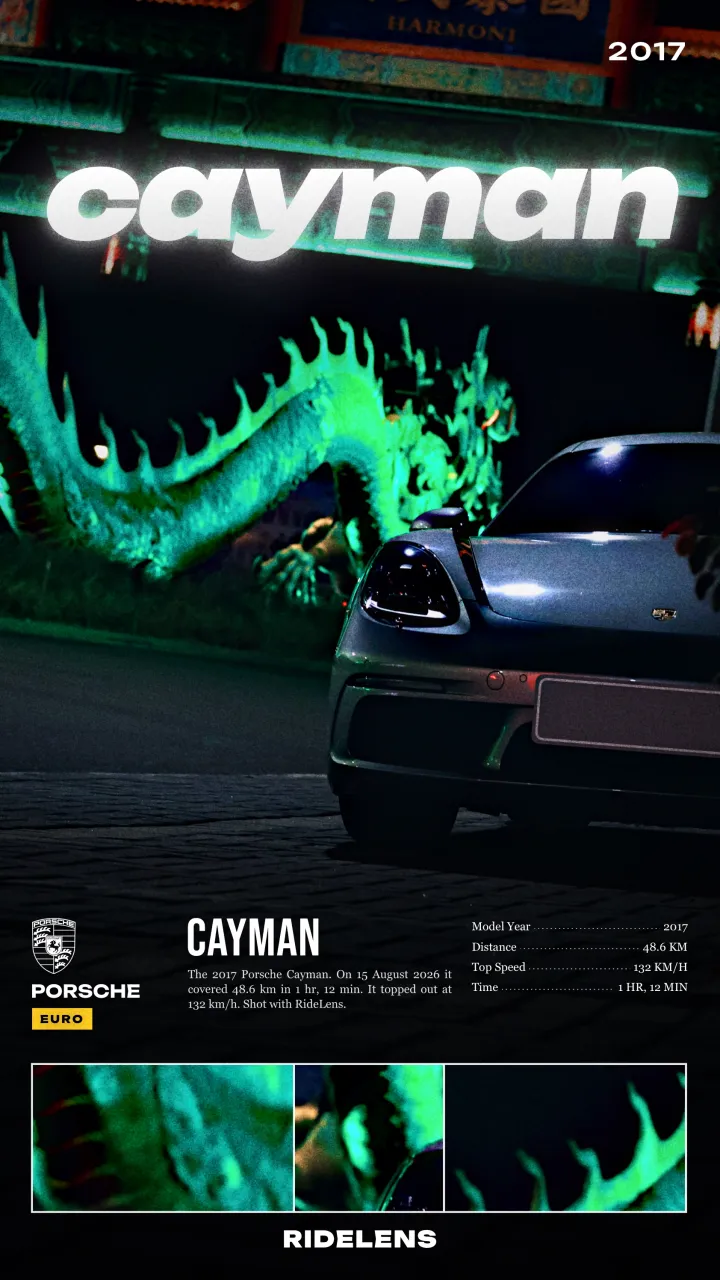
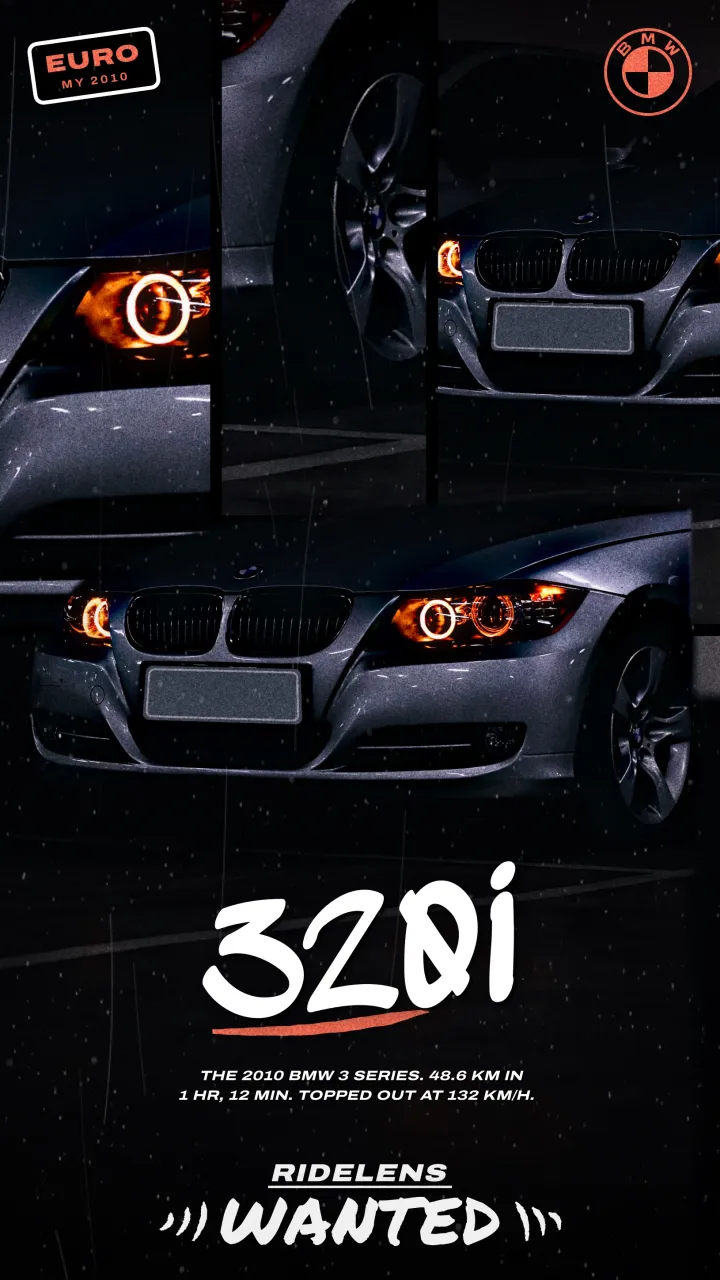
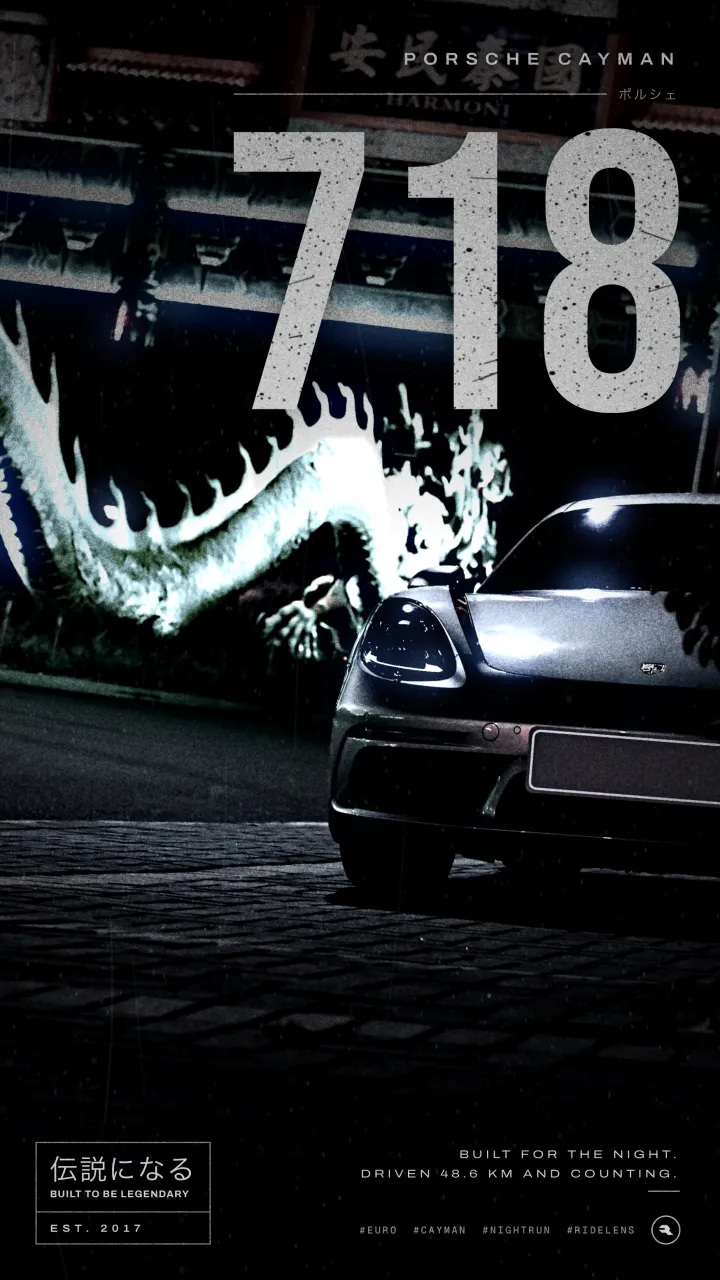
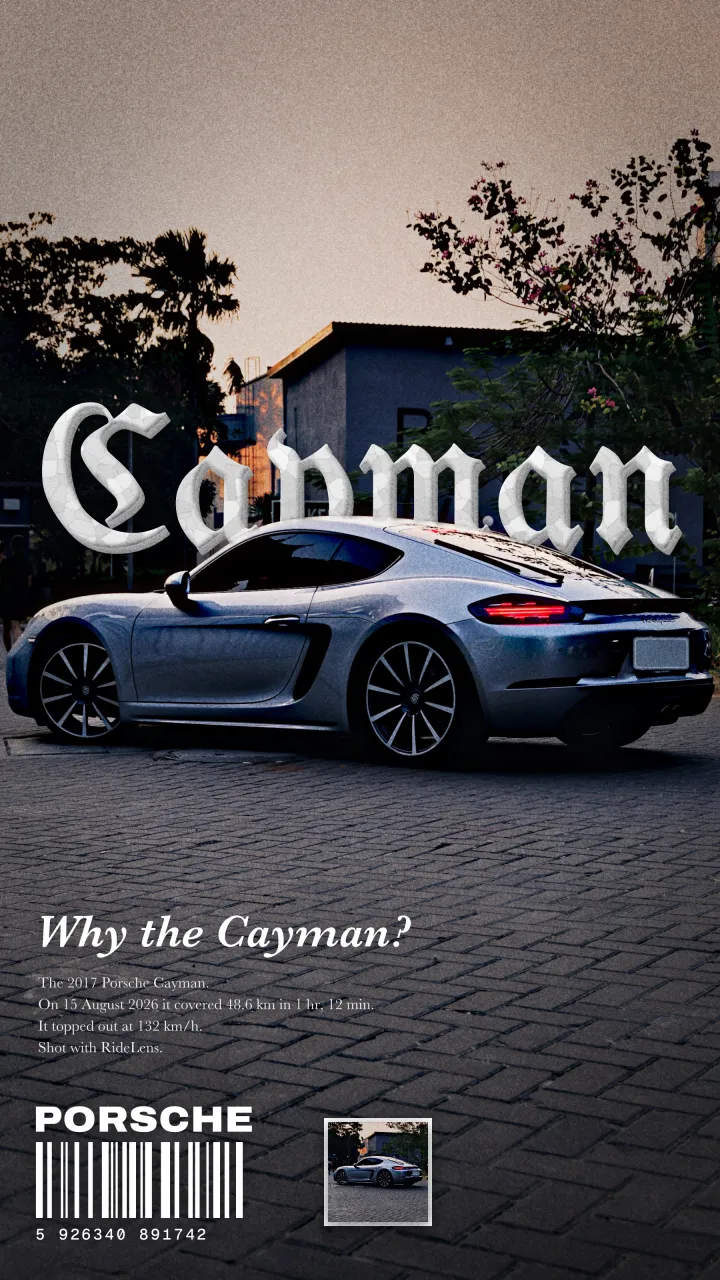
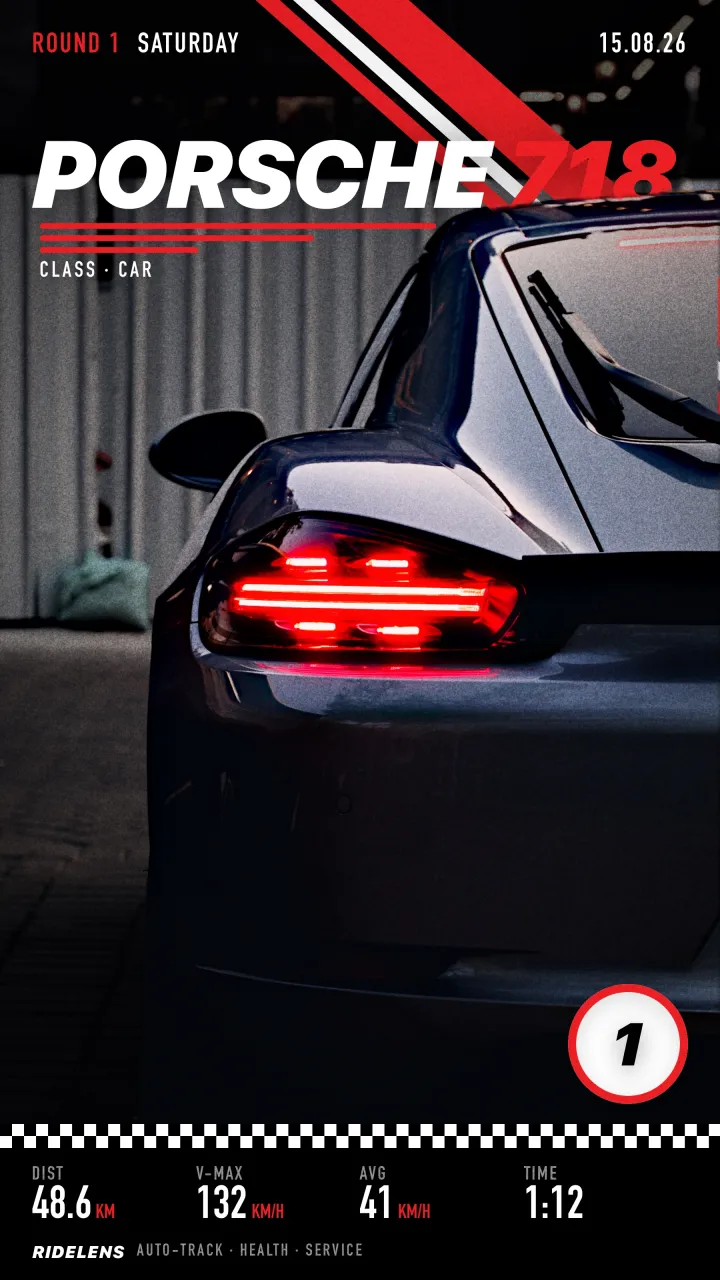
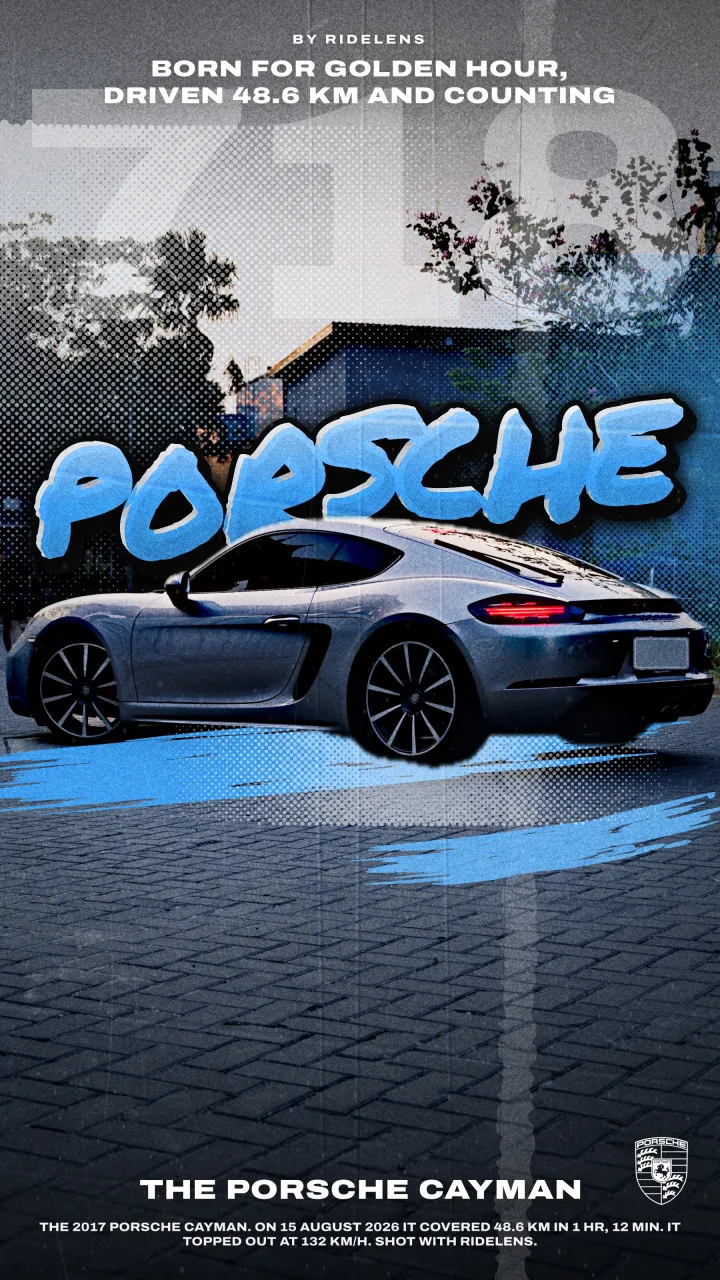
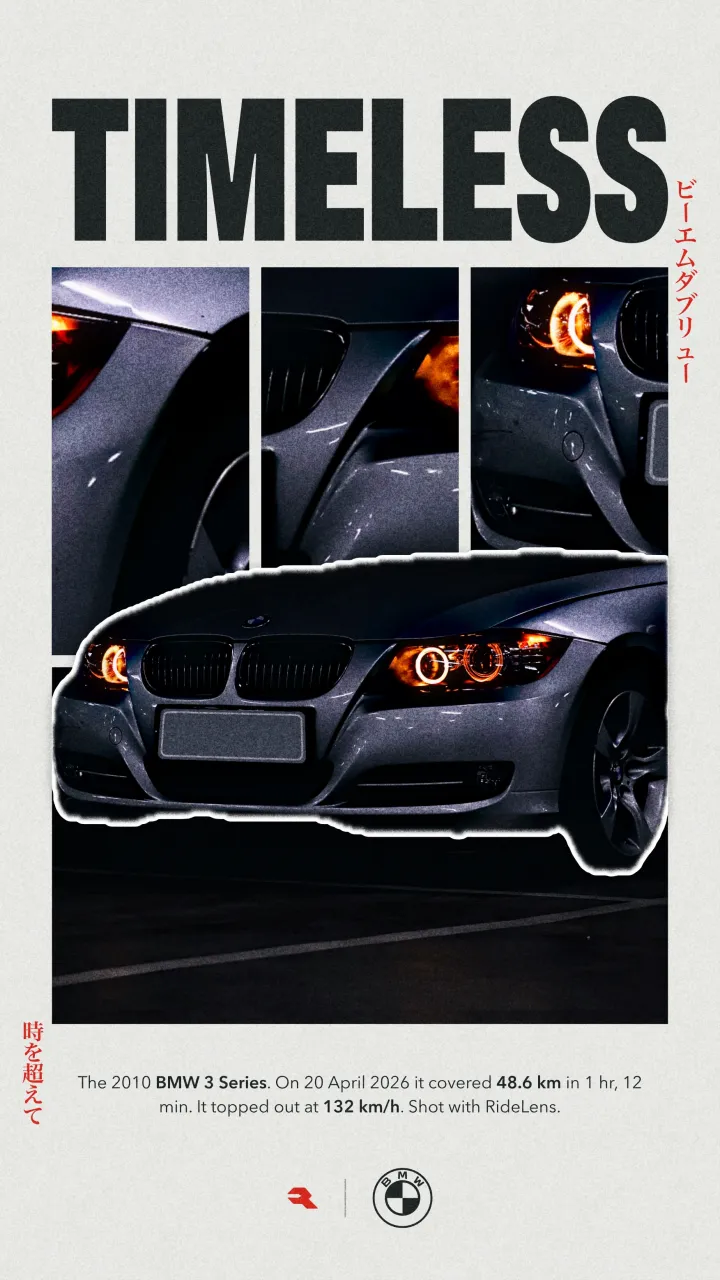
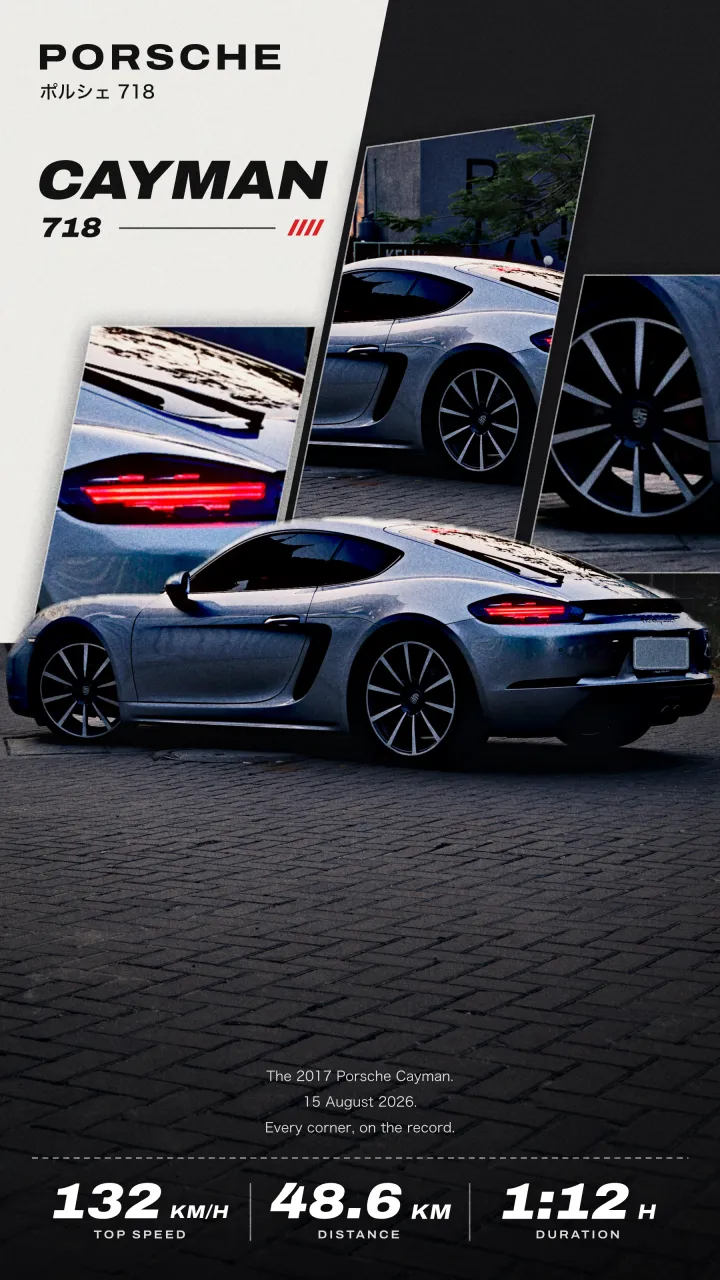
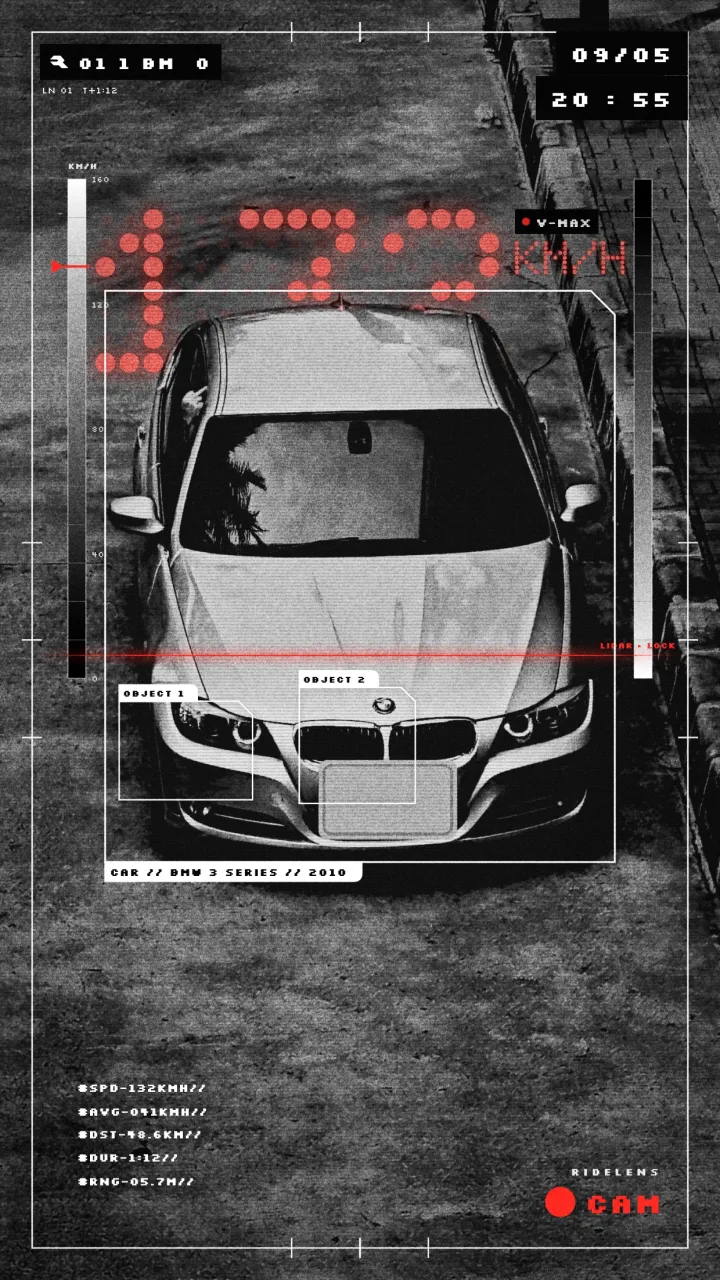
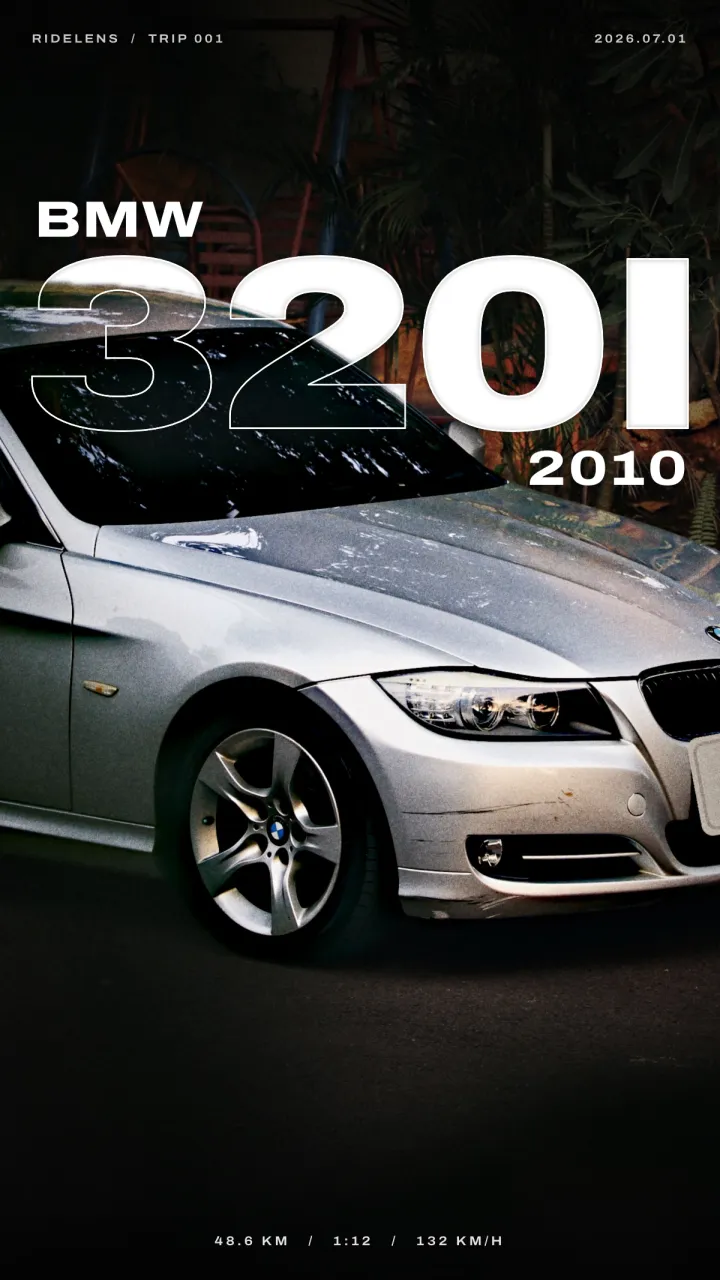
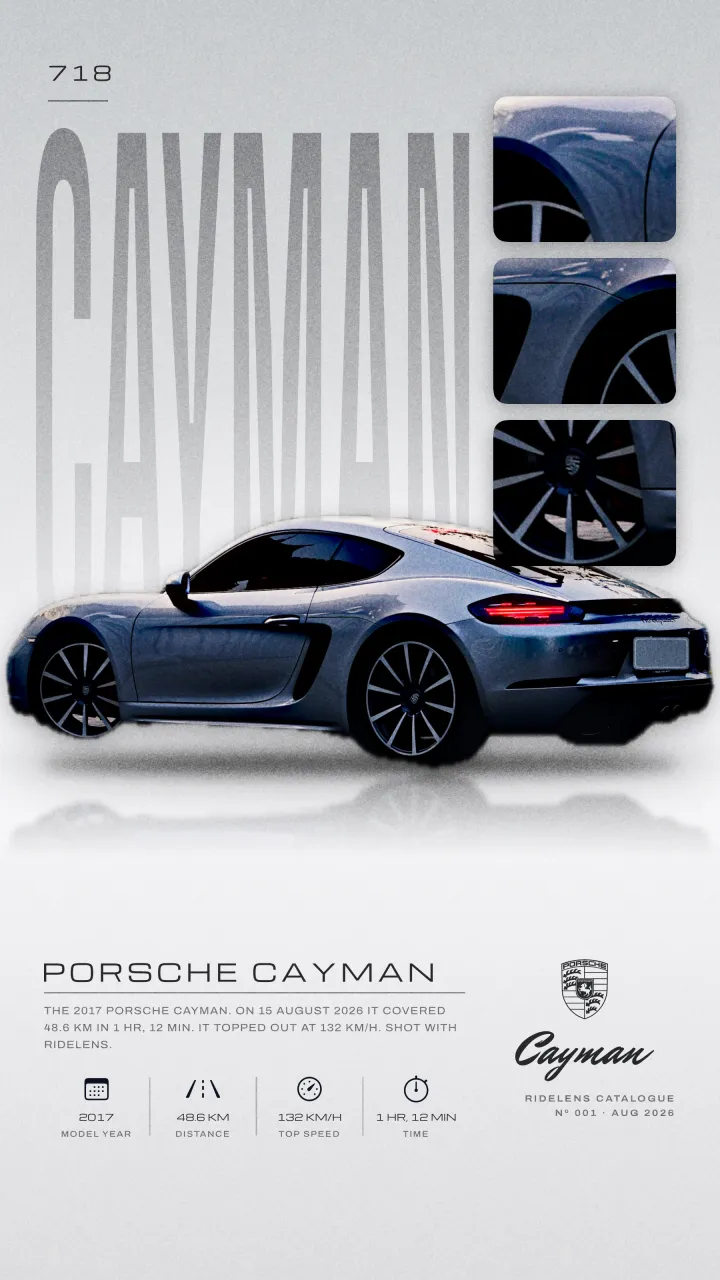
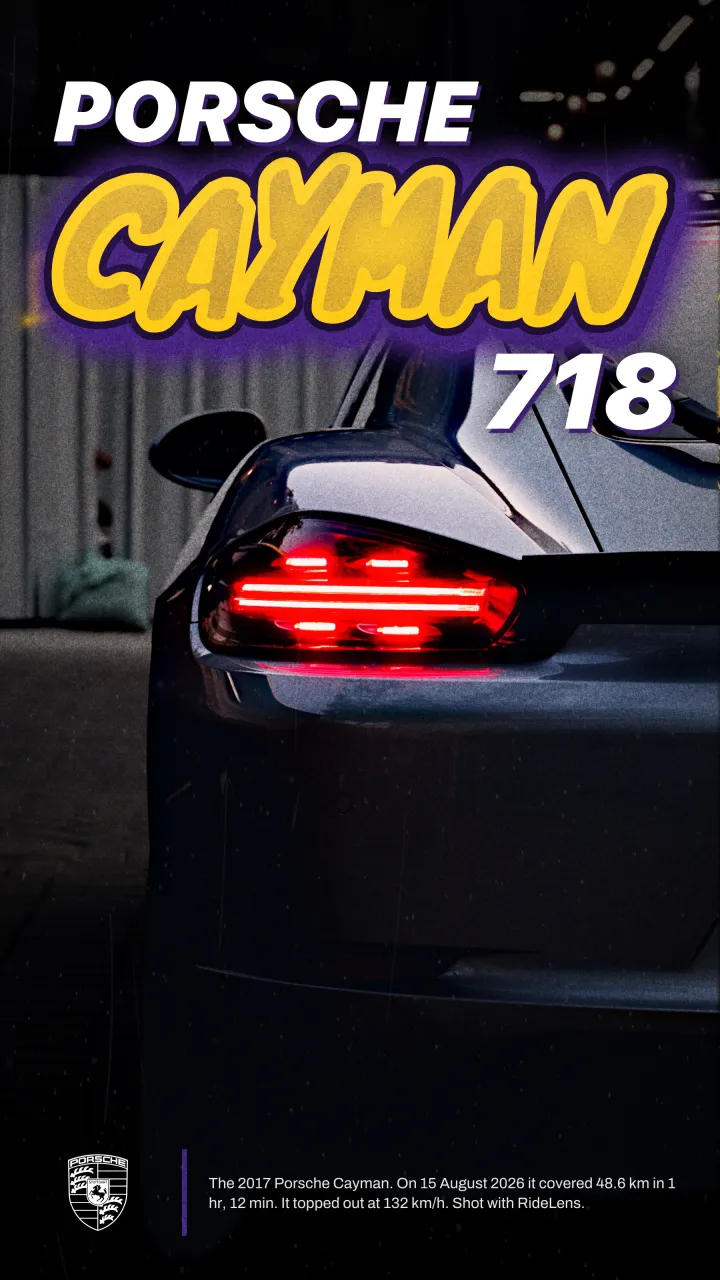
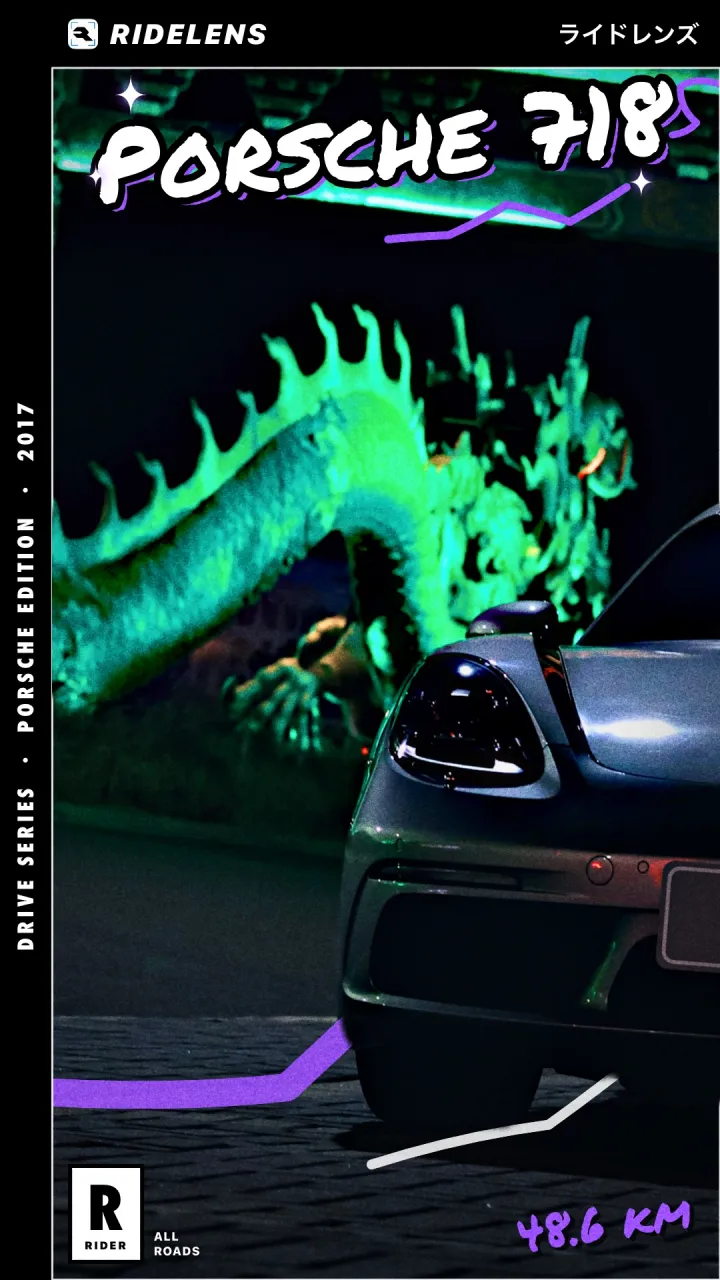
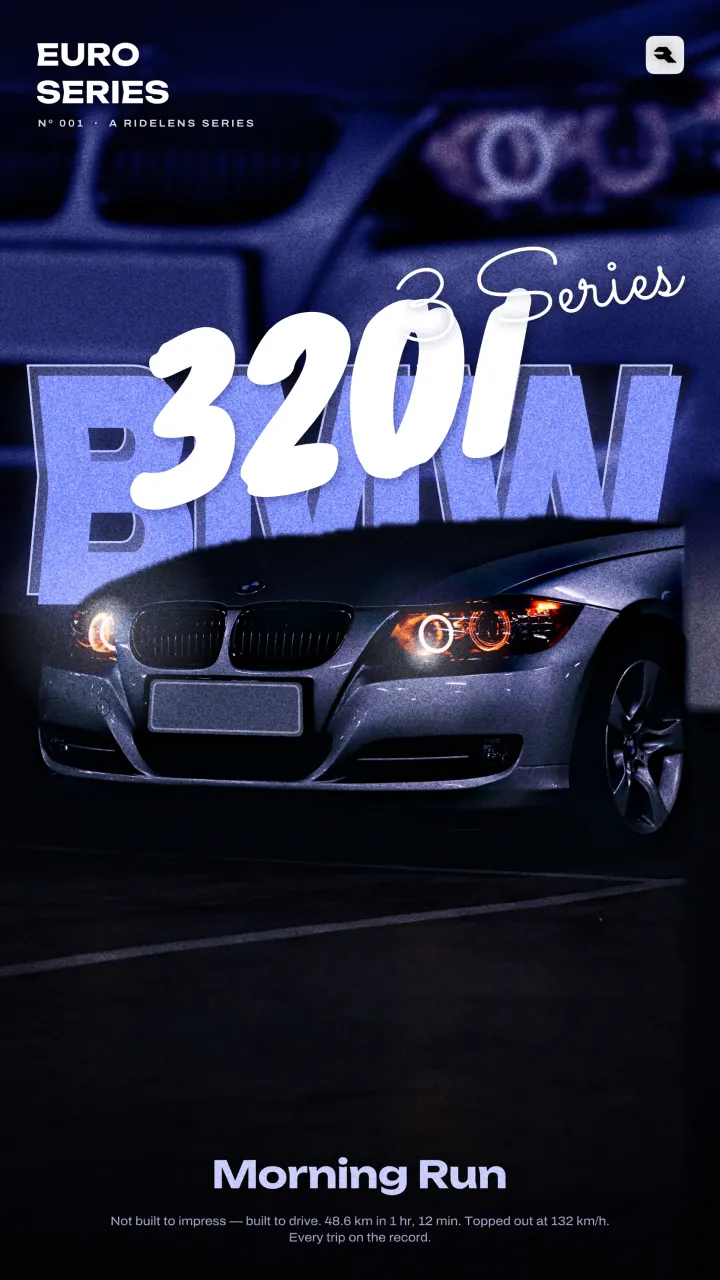
Sixteen of the thirty poster styles. Real exports from the app, made from my own photos; plates are hidden by RideLens itself.
04Stickers & Reels
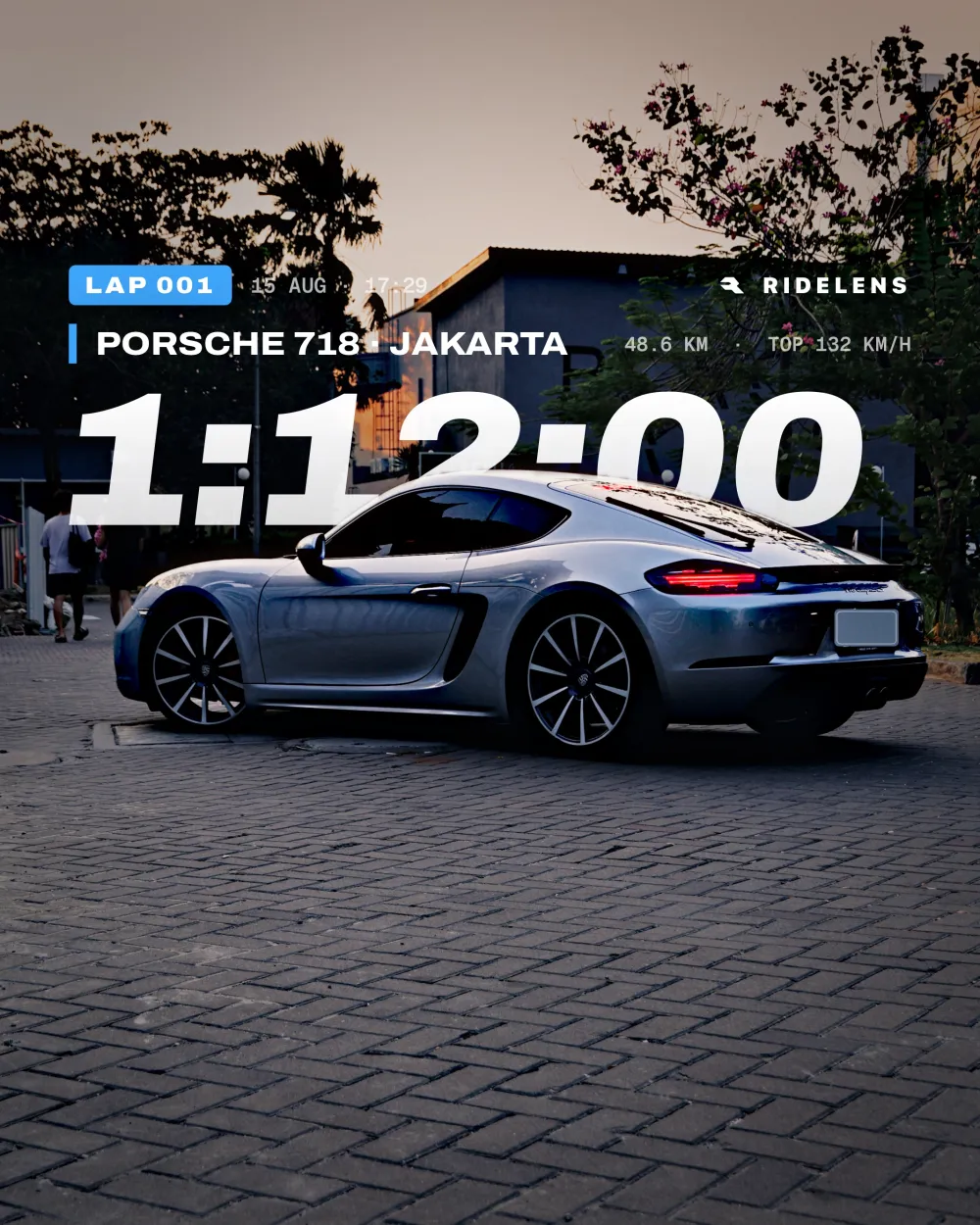
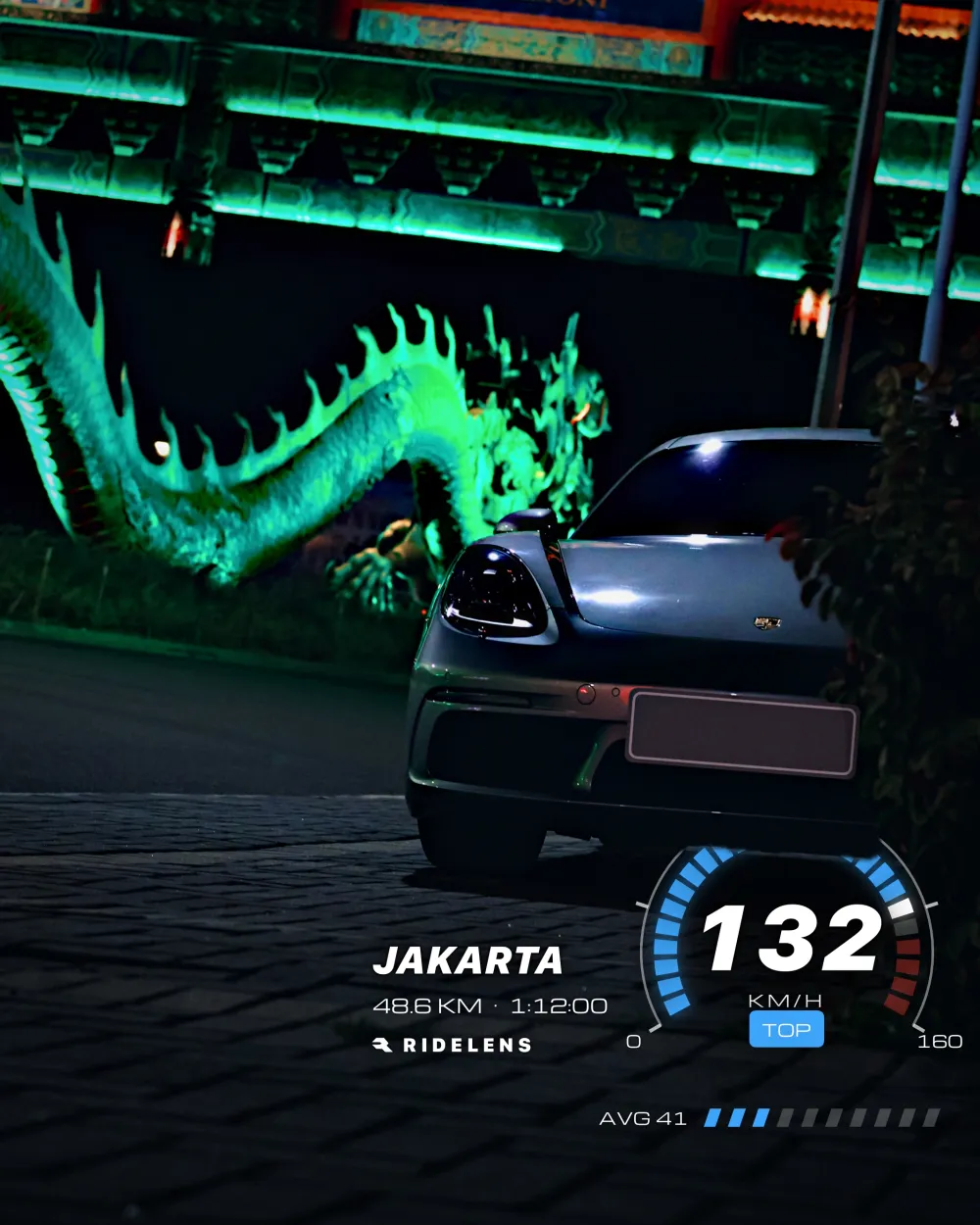
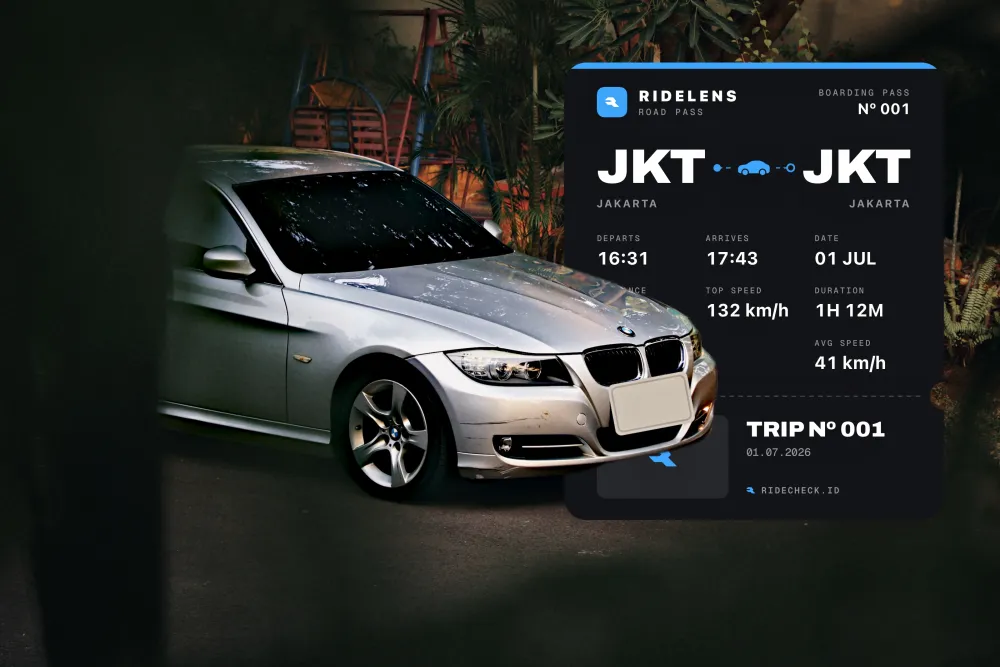
Stickers turn a drive into graphics — a lap time, a speedometer, a boarding pass from Jakarta to Jakarta. And any edit can leave as a vertical Reel that reveals itself from the original.
05The editor
Exposure, contrast, highlights and shadows, a tone curve, an 8-band HSL mixer, colour-grading wheels, black and white — and an Auto that exposes for the car.
Car, background and sky, plus linear, radial, brush and colour or luminance ranges. One-tap moves like “Pop the car” and “Moody sky”, and Paint to rewrap the body.
A rolling-shot blur behind the car only, in the direction you choose, and Wheel Spin that finds the wheels and spins them — brake calipers held still.
Plates are found on the device and covered with a blank in the plate’s own colour, your own lettering, or pixels. Remove, Heal and Clone tidy the rest.
Thirty poster styles and fifteen sticker formats, drawn in code with the car’s details, the drive’s stats and maker badges.
JPEG, HEIC or PNG up to full resolution, Instagram Story and Post sizes, a 2–5 slide carousel, and a vertical Reel video.
06How it’s built
Pure Swift and SwiftUI on Core Image and Vision. No third-party packages, and no Metal on purpose — custom kernels would need the Metal toolchain at build time.
if d.temperature != 0 || d.tint != 0 {
    image = whiteBalanced(image, temperature: d.temperature, tint: d.tint)
}
if d.exposure != 0 {
    image = image.applyingFilter("CIExposureAdjust", parameters: [kCIInputEVKey: d.exposure])
}
if d.dehaze != 0 {
    image = dehazed(image, amount: d.dehaze / 100)
}
if d.shadows != 0 || d.highlights < 0 {
    image = shadowsAndHighlights(image, shadows: d.shadows / 100, highlights: min(0, d.highlights / 100))
}
let global = DevelopLUT.Global(d)
if !global.isIdentity {
    image = cubed(image, DevelopLUT.cube(for: global))
}07Build notes
Vision’s foreground mask is cleaned up — shrunk a pixel, then softened — and the develop chain renders once. Both layers are cut from that single render, which is how a poster can slide between the background and the car without the two drifting apart in colour.
Contrast, curves, the HSL mixer, grading and black and white are baked into one 33³ lookup table, built across all cores. The maths happens in Oklab, and out-of-gamut colours are pulled in by reducing chroma rather than clipping channels, so hues don’t shift. Recent cubes are cached, so dragging one slider rebuilds only one.
The whole edit is one comparable value, and undo is just a stack of them, with each drag grouped into a single step. Rendering is latest-wins: while a render is running, new changes only mark it stale, so a fast slider never builds a backlog.
Remove uses PatchMatch, coarse to fine. The wheel finder votes for circles, fits an ellipse and re-checks it up close — and declines when it isn’t sure. Wheel Spin then blurs each wheel in its own polar space. All of it runs on the phone.
Honest status
RideLens is days old, iPhone-only and English-only, and not on the App Store yet. Removal is patch-based, so busy backgrounds can come out looking collaged. Next on the list: sky and background replacement, wet-road reflections, and connecting it back to RideCheck.