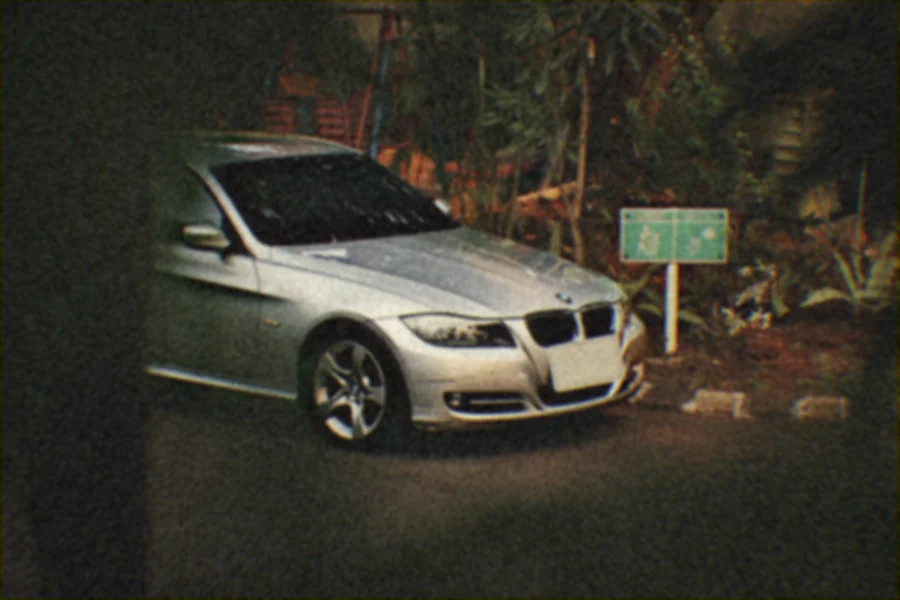
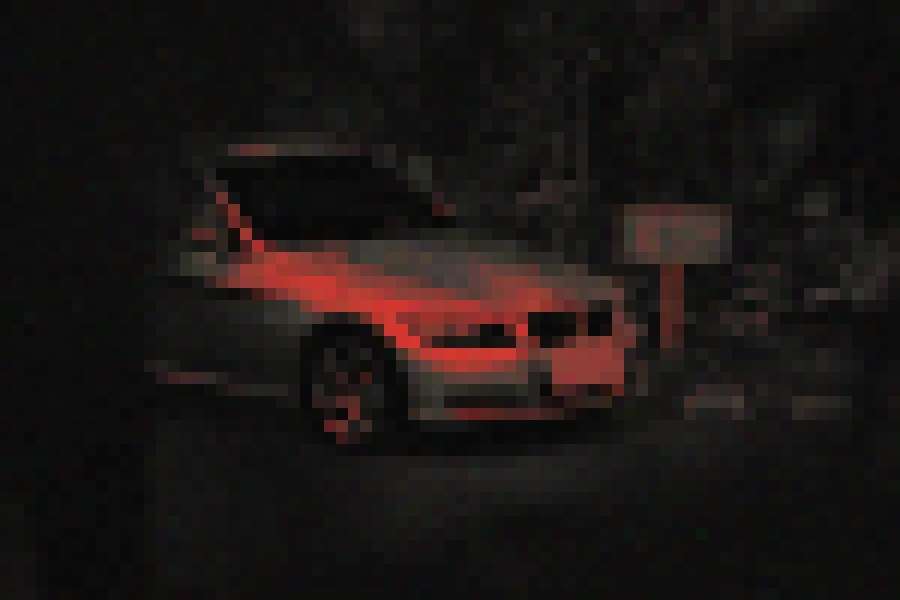
I made this for fun: I wanted to put filters on my own photos. Somewhere along the way it clicked that a picture is just data — numbers for every pixel, arranged so that our eyes read them as an image. Everything on a screen is code, and if it’s code, I can change it. That was my aha moment.
The first try was Pixelated Kisses, made for one look: a Joji album cover. It turns a photo into black, a warm grey and a hot red, adds grain, and can pixelate it. It’s on GitHub (opens in a new tab), with ready-made downloads for Mac and Windows.
Two weeks later I wanted something more general — a retro film look I could tune — and I wanted it for a whole folder at once, not one photo at a time. That became Filter Generator: seven sliders, eight steps, one click for the whole pile.
It stayed with me, too. This little app is one of the things that started RideLens, the car photo editor I’m building for iOS.