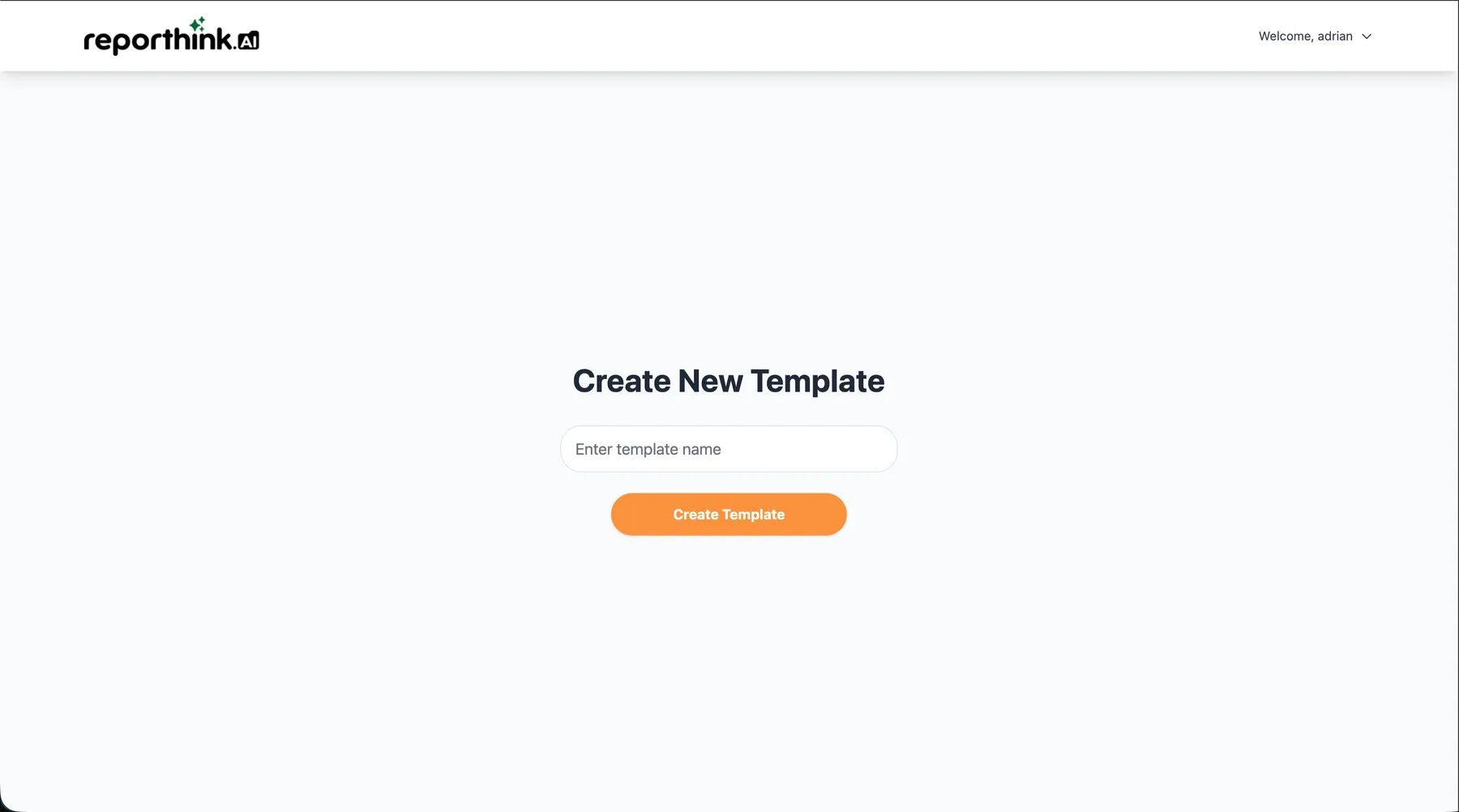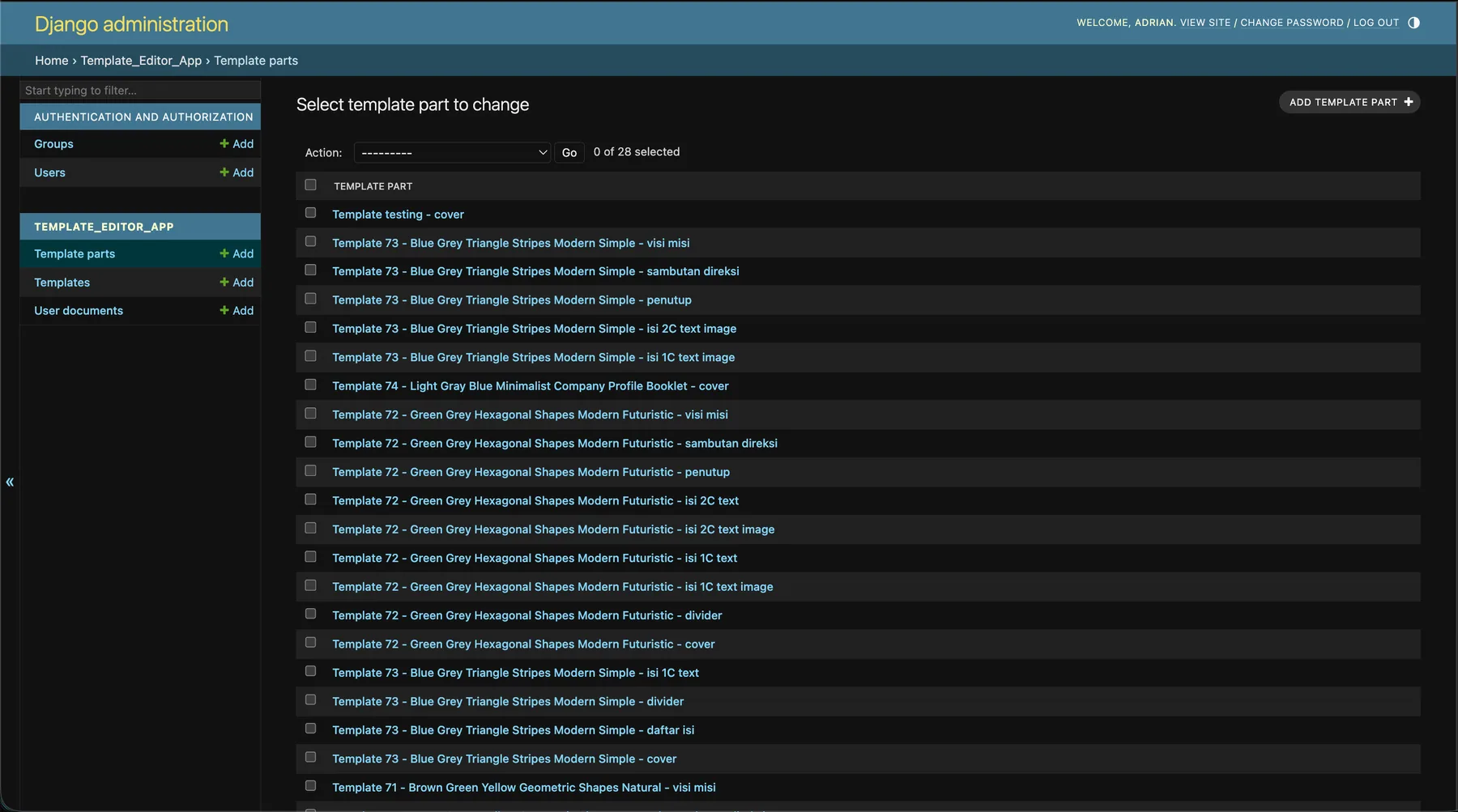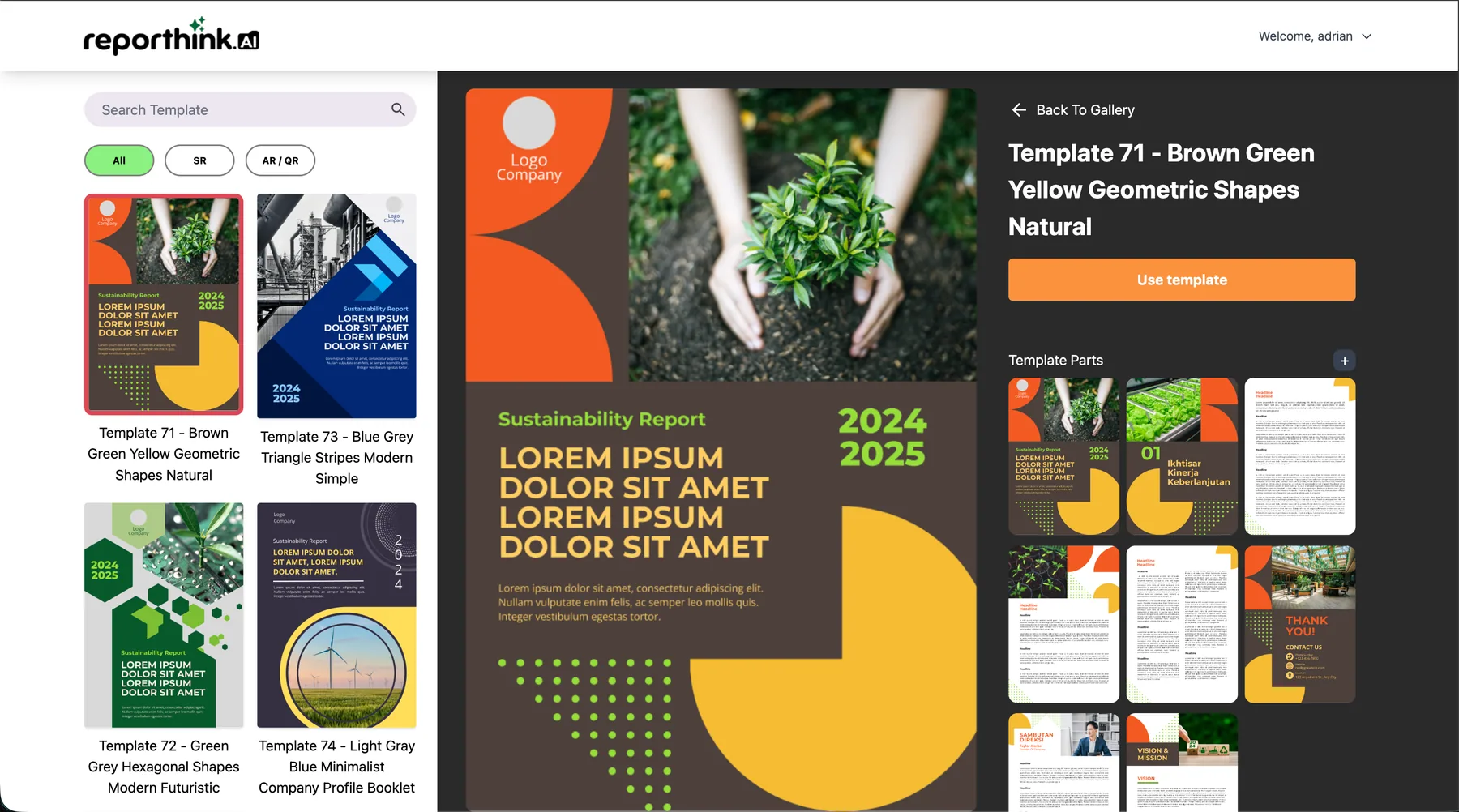
Before
Pick a template. Then you’re on your own.
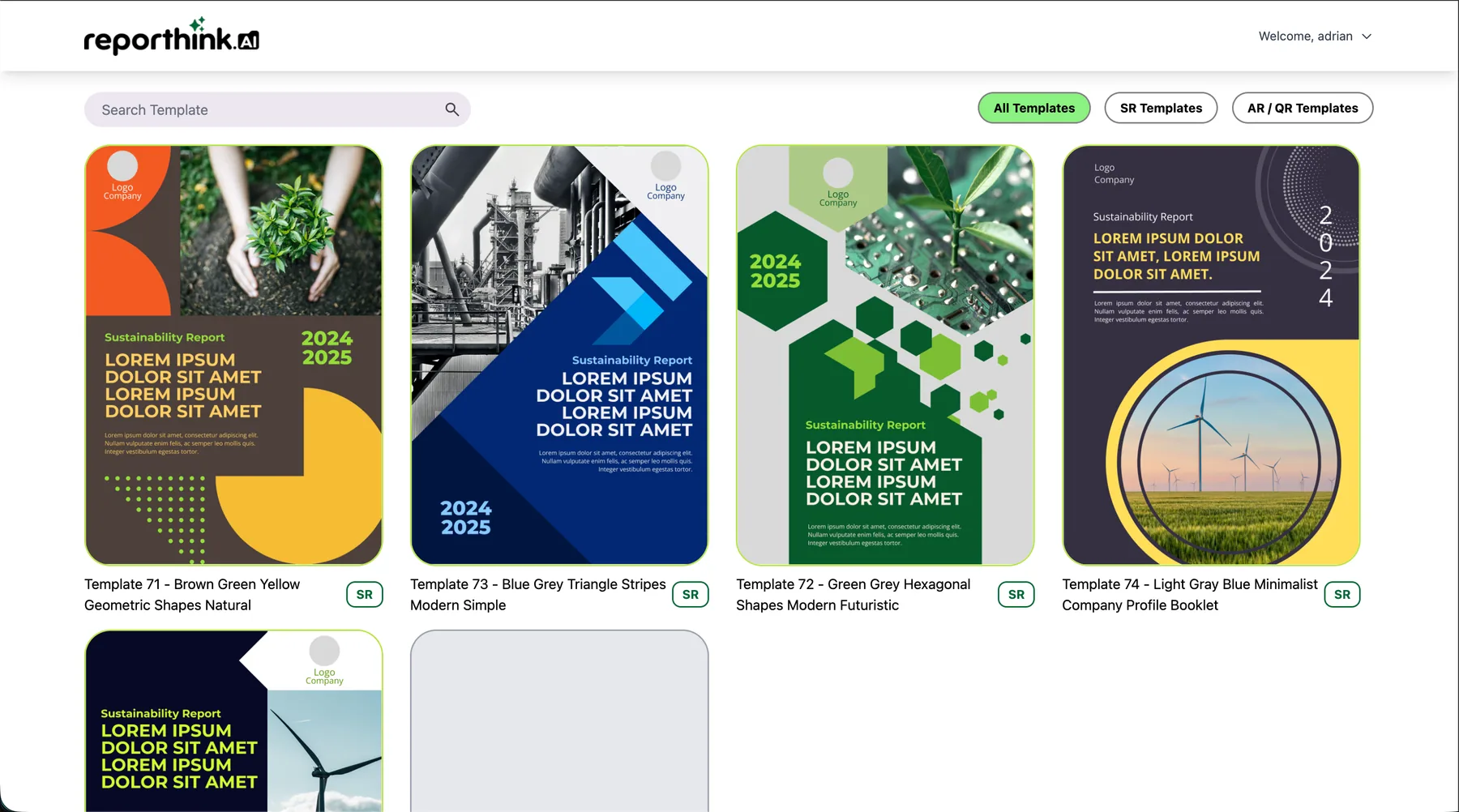
Users could choose a layout from Reporthink.ai’s library, but they couldn’t add their own text, change a colour or replace a photo. The report they needed was right there, and none of it was editable.
Static templates, made editable.
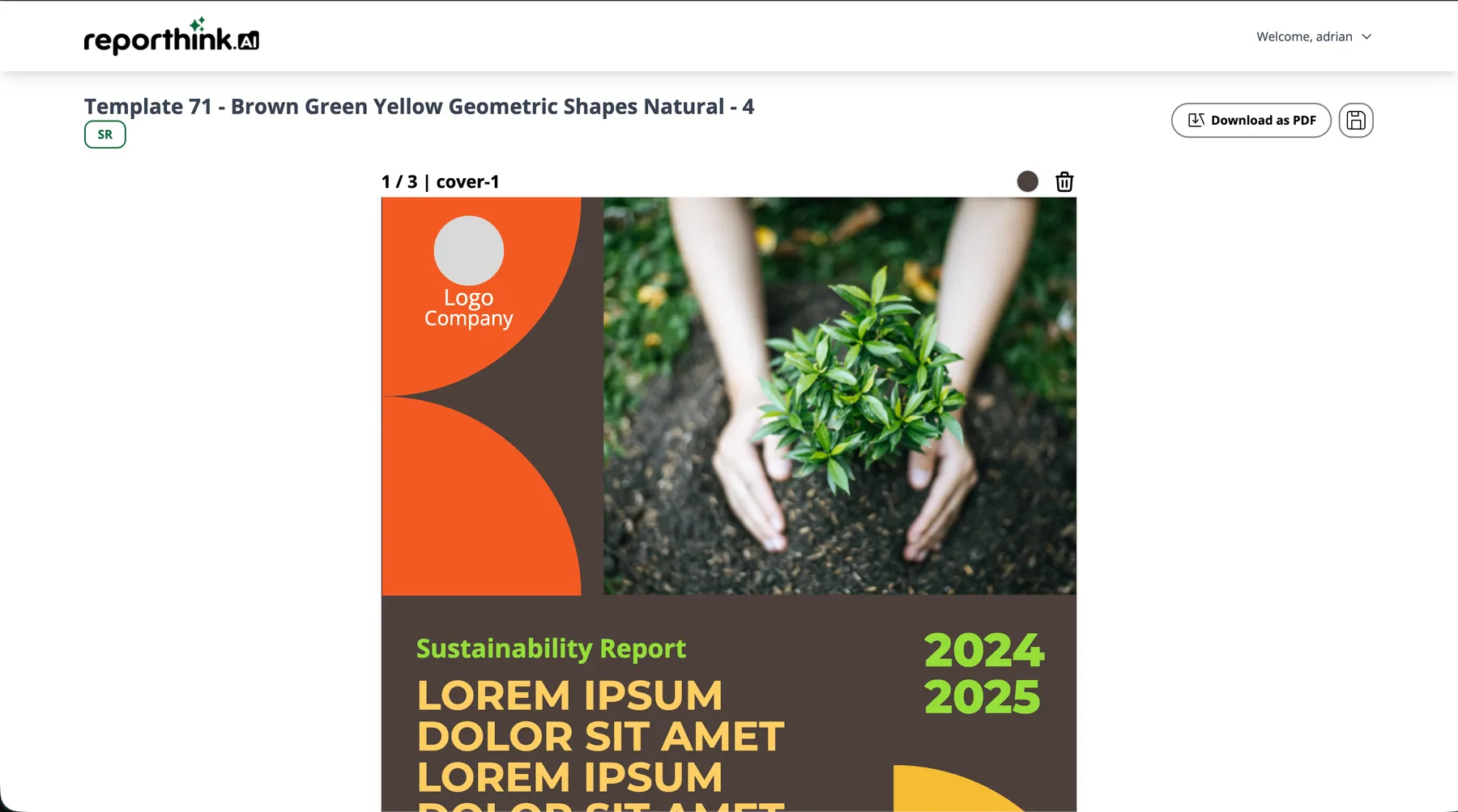
Reporthink.ai offers ready-made report templates: sustainability reports, annual reports, company profiles. Users could pick one, but they couldn’t change a word of it. I built the editor that lets them edit the text and colours, swap the photos, rearrange the pages, save, and export an A4 PDF, all in the browser.
01The problem
Before
Users could choose a layout from Reporthink.ai’s library, but they couldn’t add their own text, change a colour or replace a photo. The report they needed was right there, and none of it was editable.
After
Text, colours, photos and pages are all editable, while the structure the designers built stays locked in. Save it, come back to it later, and export a print-ready A4 PDF.
02Try it
A working slice of the real thing, rebuilt for this page. Click any text to rewrite it, recolour the template, drop in your own photo, and drag the pages into a new order.
Sustainability Report
2024
2025
How we cut our energy use, protected water and planted for the future, 2024–2025.
01
— The Director, for the Board
Thank you!
hello@company.com
www.company.com
Rebuilt for this page. The real editor runs on Django and exports with html2canvas + jsPDF; this one skips the download.
03The real editor
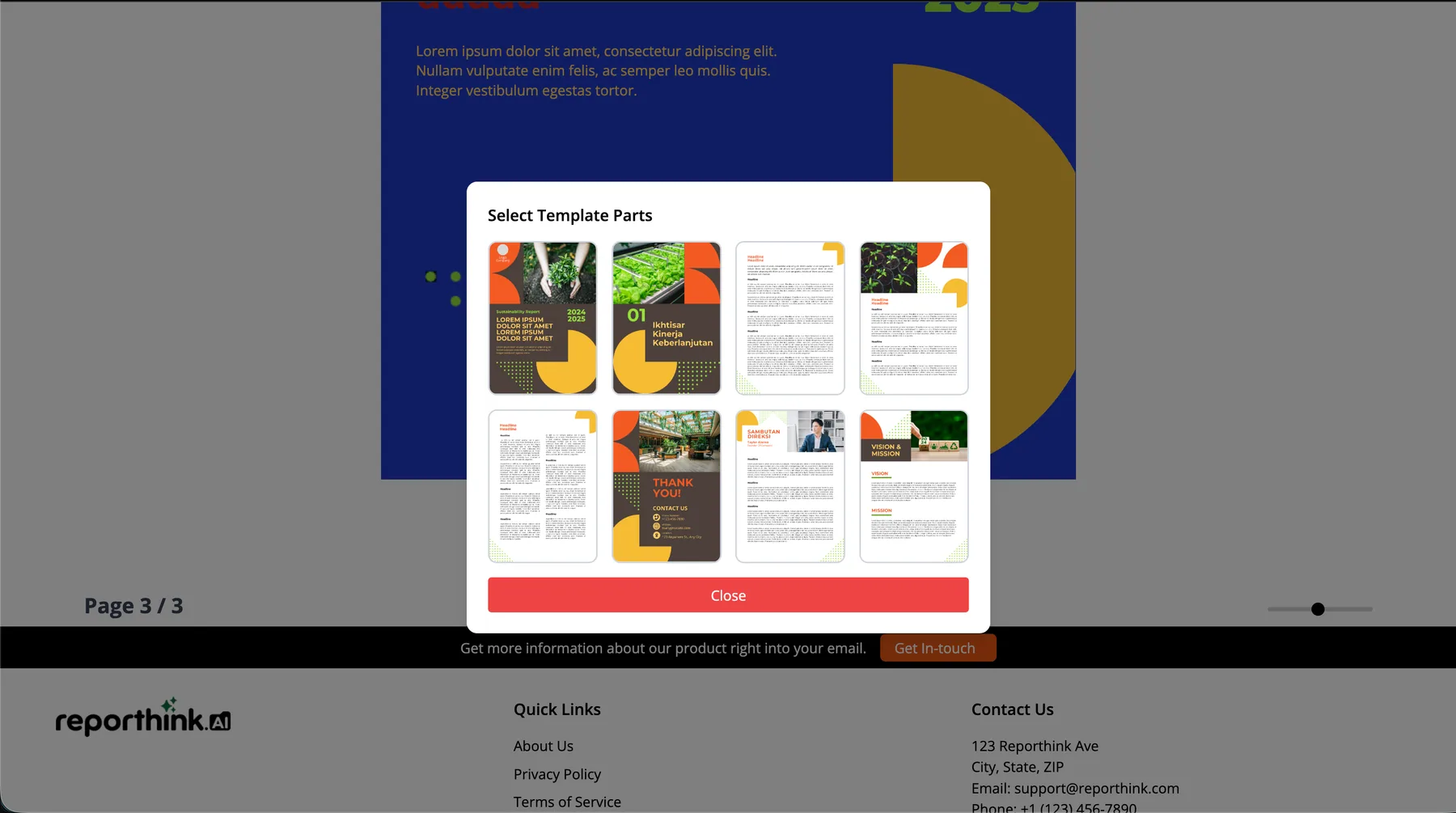
Every page, from the cover to the director’s message to the closing page, is a part from the template’s library. Add one, reorder them, or delete what you don’t need.
A real-time colour picker restyles the selected element. Text gets fonts, bold, italic and alignment.
Placeholder photos and logos are swapped by clicking them, or by dragging a new file straight onto the canvas.
html2canvas renders each page and jsPDF assembles them into a print-ready A4 PDF.
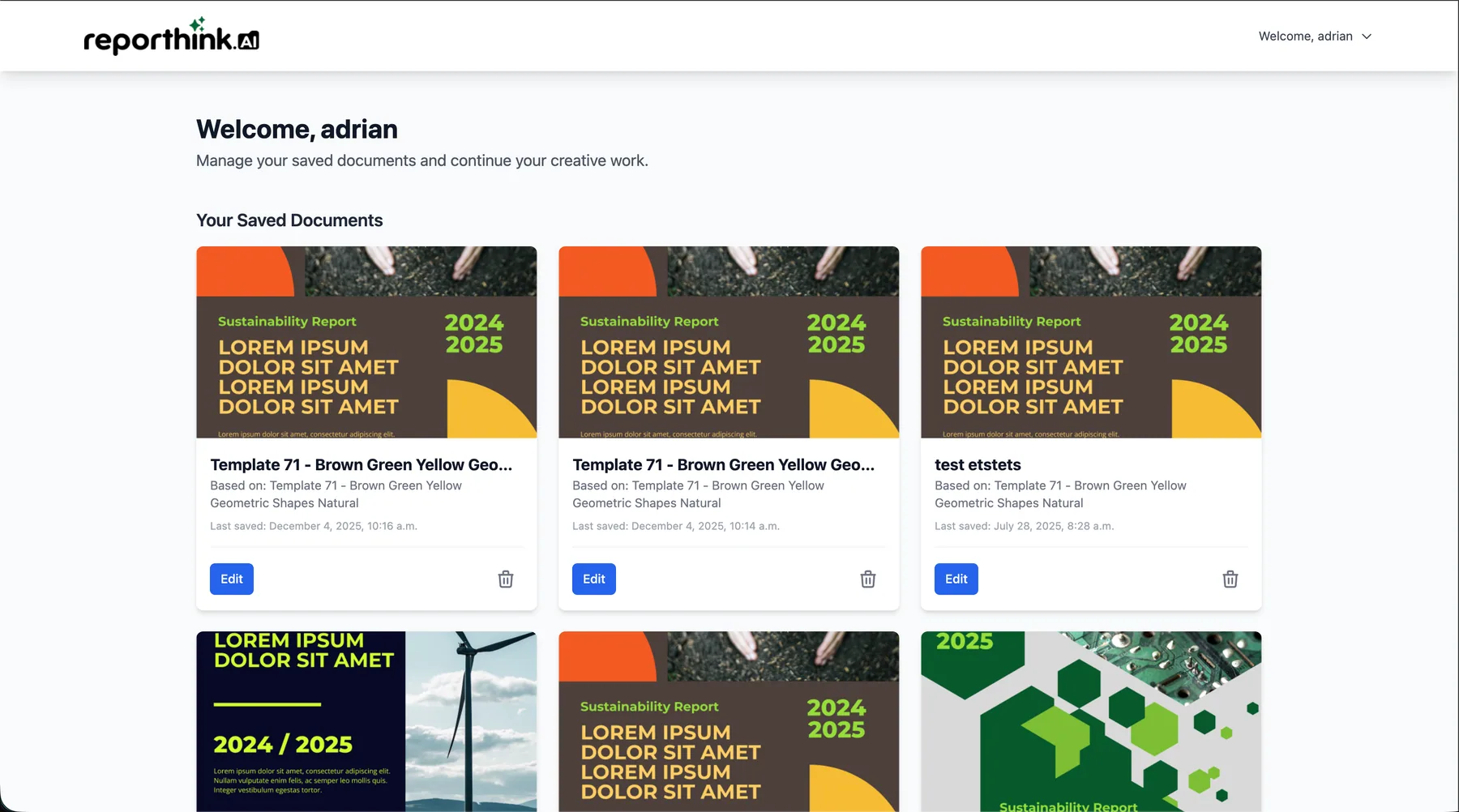
Your work is saved as your own document. The master template stays untouched, and your edits wait in your dashboard.
04How it’s built
The whole data model protects one rule: a template is never edited. Using one creates a UserDocument, your own copy, so the originals stay untouched for every other user.
Template master
TemplatePart page
User auth
UserDocument your copy
05Screens
06My role
I joined Mediawave’s Reporthink.ai team as a front-end intern. Alongside the team’s template work, I designed and built the Template Editor end to end.
Built the back-end logic in Django, and the editor’s interactive front end in JavaScript and Tailwind CSS.
Designed the database schema (ERD) that keeps users, master templates, their parts and each user’s edits apart.
Designed the wireframes, high-fidelity mockups and the final responsive interface, in Reporthink.ai’s branding.
Wrote unit tests for authentication and the database models, and ran user acceptance testing to refine the flow.
The rest of the internship: converting report designs into clean, design-accurate HTML/CSS with the team, and supporting front-end work on the main website under a senior developer. Several of those pages went into the live site.