The problem
Social friction.
At the start of an Apple Developer Academy cohort, learners find it hard to break the ice, start real conversations, or get to know each other beyond polite professional introductions.
Insert coin · iOS game
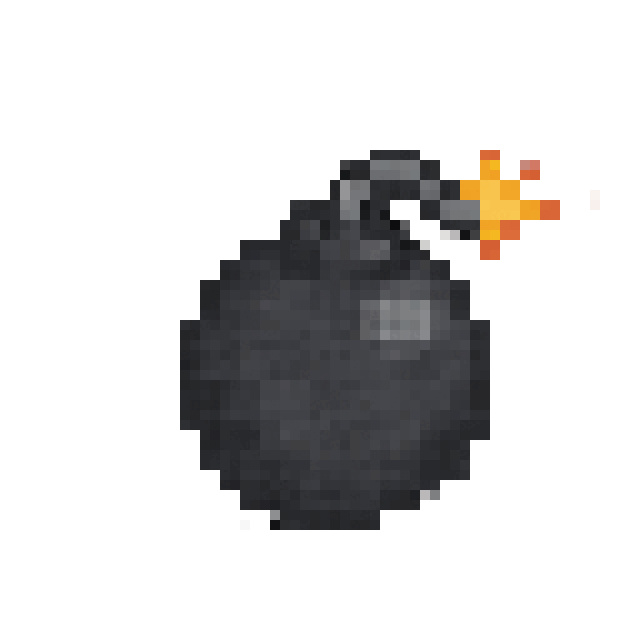
Pass the bomb. Don’t hold it.
A pixel-art take on hot potato for iPhone. Two players, one ticking bomb, and a timer nobody can see — built at the Apple Developer Academy to get a room full of strangers laughing together.
01Why a game
The problem
At the start of an Apple Developer Academy cohort, learners find it hard to break the ice, start real conversations, or get to know each other beyond polite professional introductions.
The idea
An offline, local multiplayer game you play face to face — handing the phone back and forth in a high-stakes duel. The shared tension of the ticking bomb, and the pixel explosion that follows, do the rest.
02Play it here
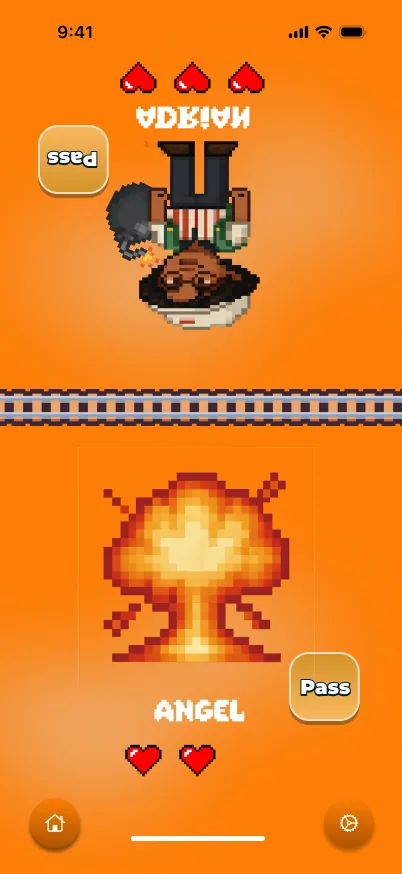
The same rules as the game: a hidden fuse, a pass button that needs a moment to recharge, and three hearts each. Play the CPU, or grab a friend and share the keyboard.


Press start
A Adrian passesL Angel passes (2P)Space startSprites from the real game
03The manual
01
Every round, the timer lands somewhere between 10 and 15 seconds — and nobody ever knows exactly when it will go off.
02
A cooldown on the Pass button stops anyone mashing it. Passing becomes a question of timing and nerve.
03
Practise against the CPU, or play the real thing: two people, one phone, face to face.
04
Custom pixel avatars of Academy members, the ArcadeClassic font, and animated GIF reactions for every close call.
04Under the hood
Game logic lives in one view model — who holds the bomb, whose button is cooling down, who just lost a heart — so SwiftUI and SpriteKit only ever draw what it decides.
@Observable
final class GameLogicViewModel {
    enum Phase { case ready, holding(Player), exploded(Player), over }

    private(set) var phase: Phase = .ready
    private(set) var hearts: [Player: Int] = [.one: 3, .two: 3]
    private var fuse: Task<Void, Never>?
    private var coolingDown: Set<Player> = []

    func startRound(holder: Player) {
        phase = .holding(holder)
        let seconds = Double.random(in: 10...15)   // never shown
        fuse = Task {
            try? await Task.sleep(for: .seconds(seconds))
            explode()
        }
    }

    func pass(from player: Player) {
        guard case .holding(player) = phase,
              !coolingDown.contains(player) else { return }
        phase = .holding(player.opponent)
        coolDown(player.opponent)   // no instant hand-backs
    }
}05The game
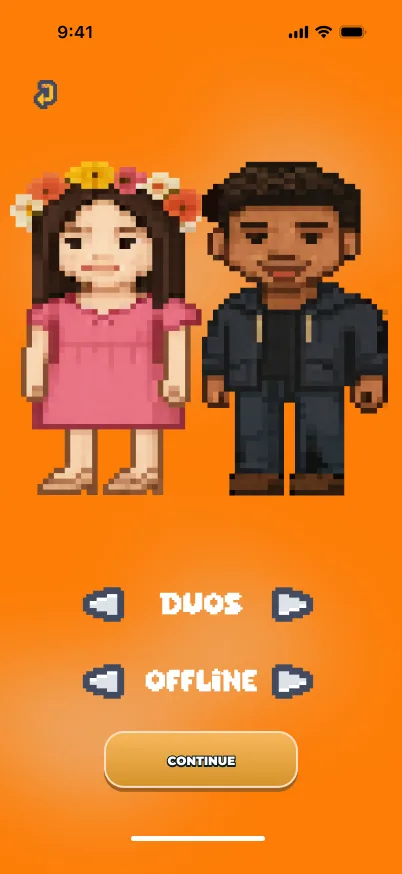
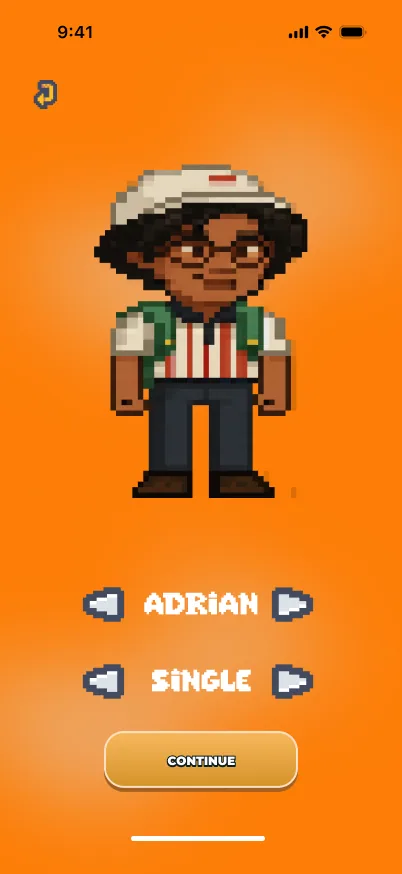
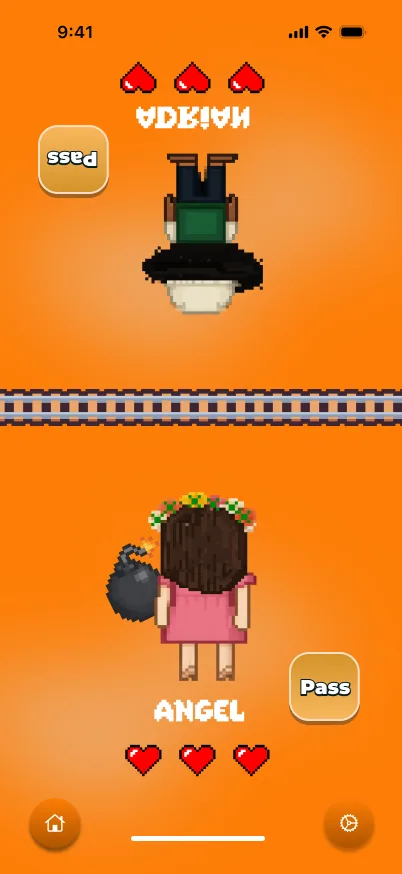
06My role
From the first idea to TestFlight — the concept, the flows, and the game’s main SwiftUI views.
Co-developed the idea of a pixel-art social game, and championed using it as a tool against the Academy’s social isolation.
Designed the flow from onboarding to gameplay, with lo-fi wireframes to validate the navigation before anyone wrote code.
Built the main views — HomeView, GameView, CharacterSelectView — and reusable components like CircleButton, DynamicSquareButton and SeperatorView.
Implemented the character carousel, and brought the pixel cast to life with animated GIFs wrapped in WKWebView.
Managed the lifecycle from ideation to TestFlight deployment.
07The team
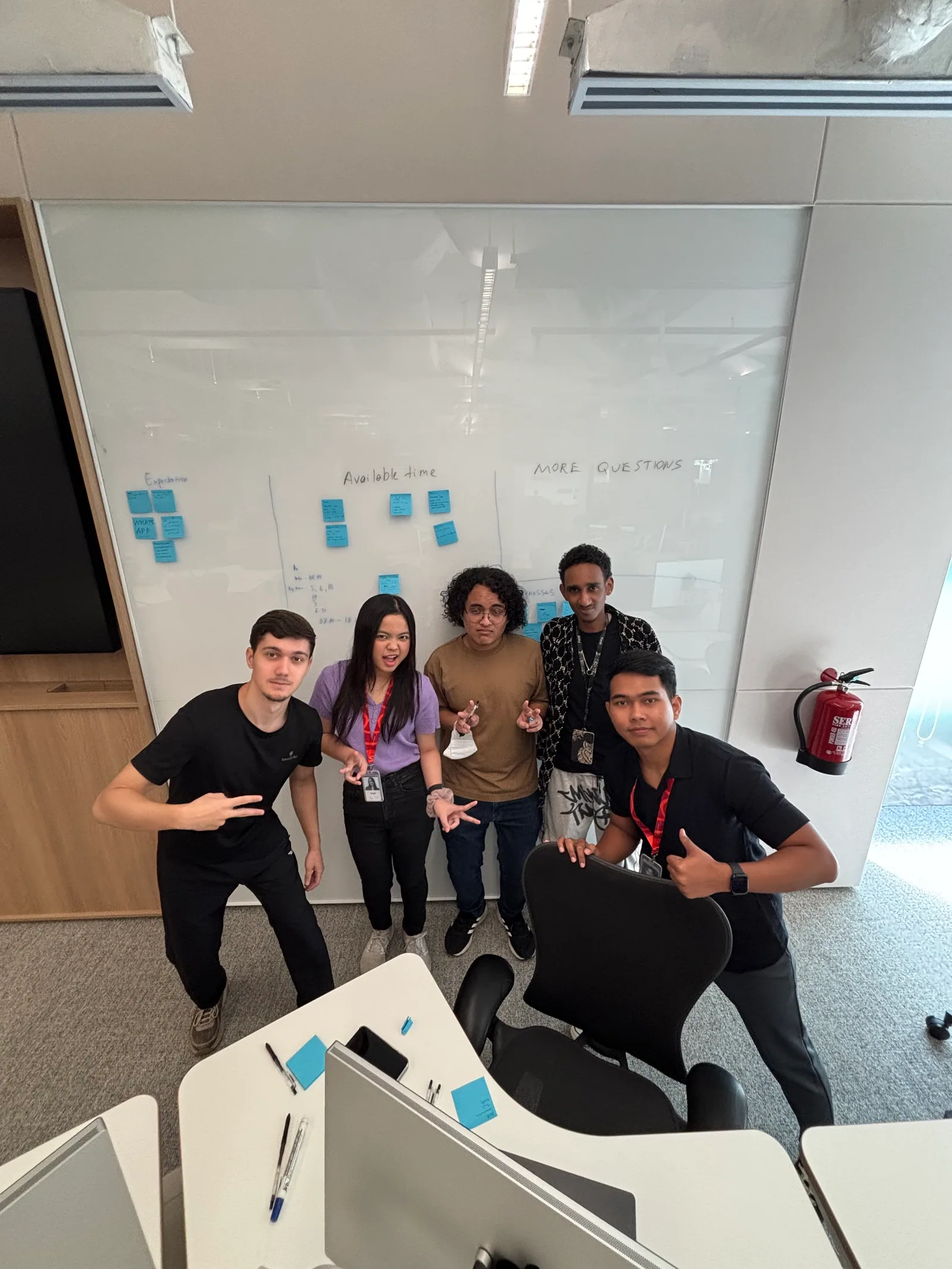
A multicultural team at the Apple Developer Academy — and more than a few Academy faces ended up in the game, in pixel form.